Authentication
Magic-link signup, login, password reset, and two-factor email verification.
Signing up, signing in, and keeping your account secure.
Signing up
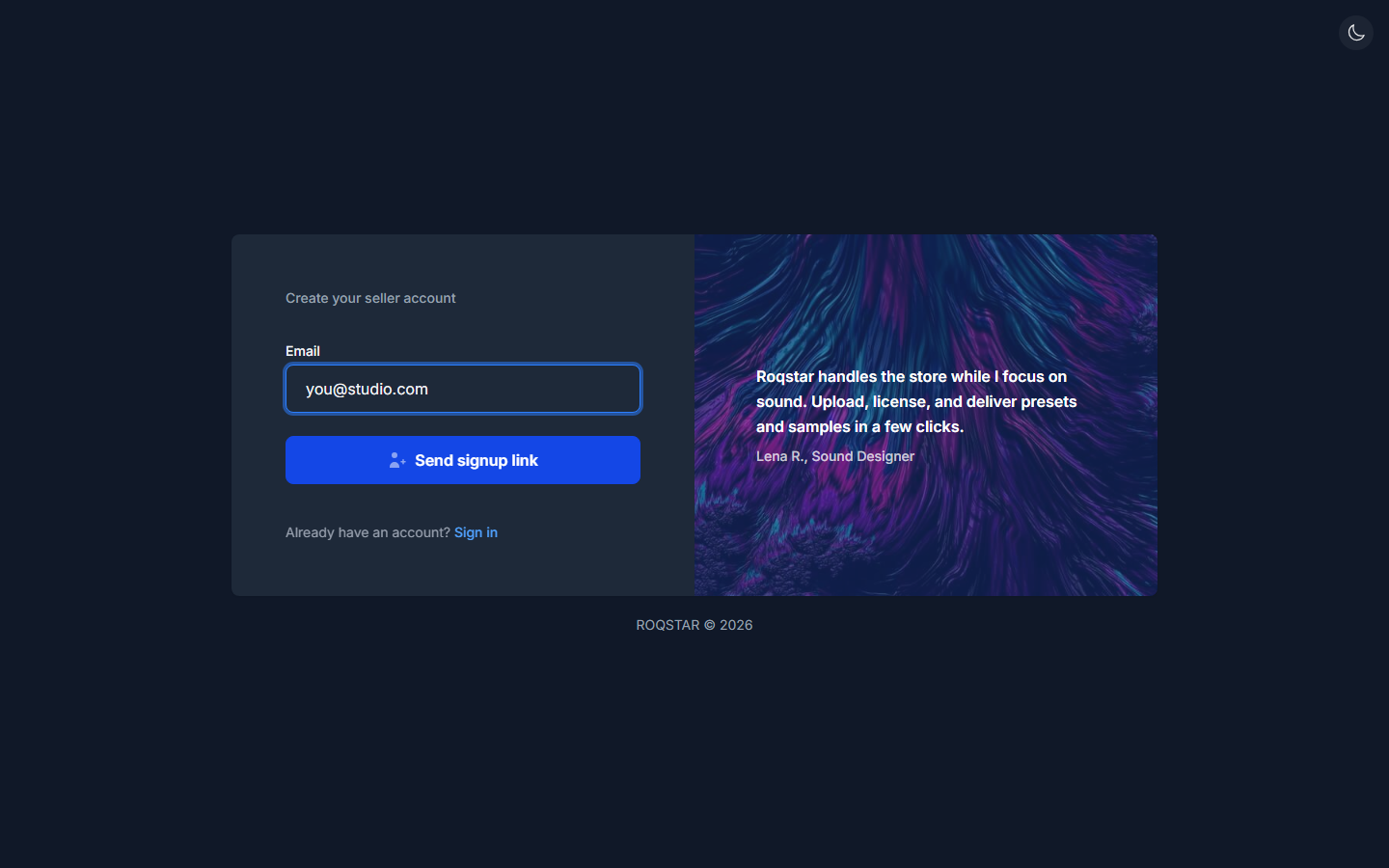
Enter your email on the Register page and click Send signup link. A magic link email arrives. Click it to verify your address and land in the onboarding wizard. If your email is already registered, the page detects this and offers a sign-in link instead.
If new seller signups are temporarily unavailable, the Register page shows a banner with next steps and a direct link to the Login page.
Signing in
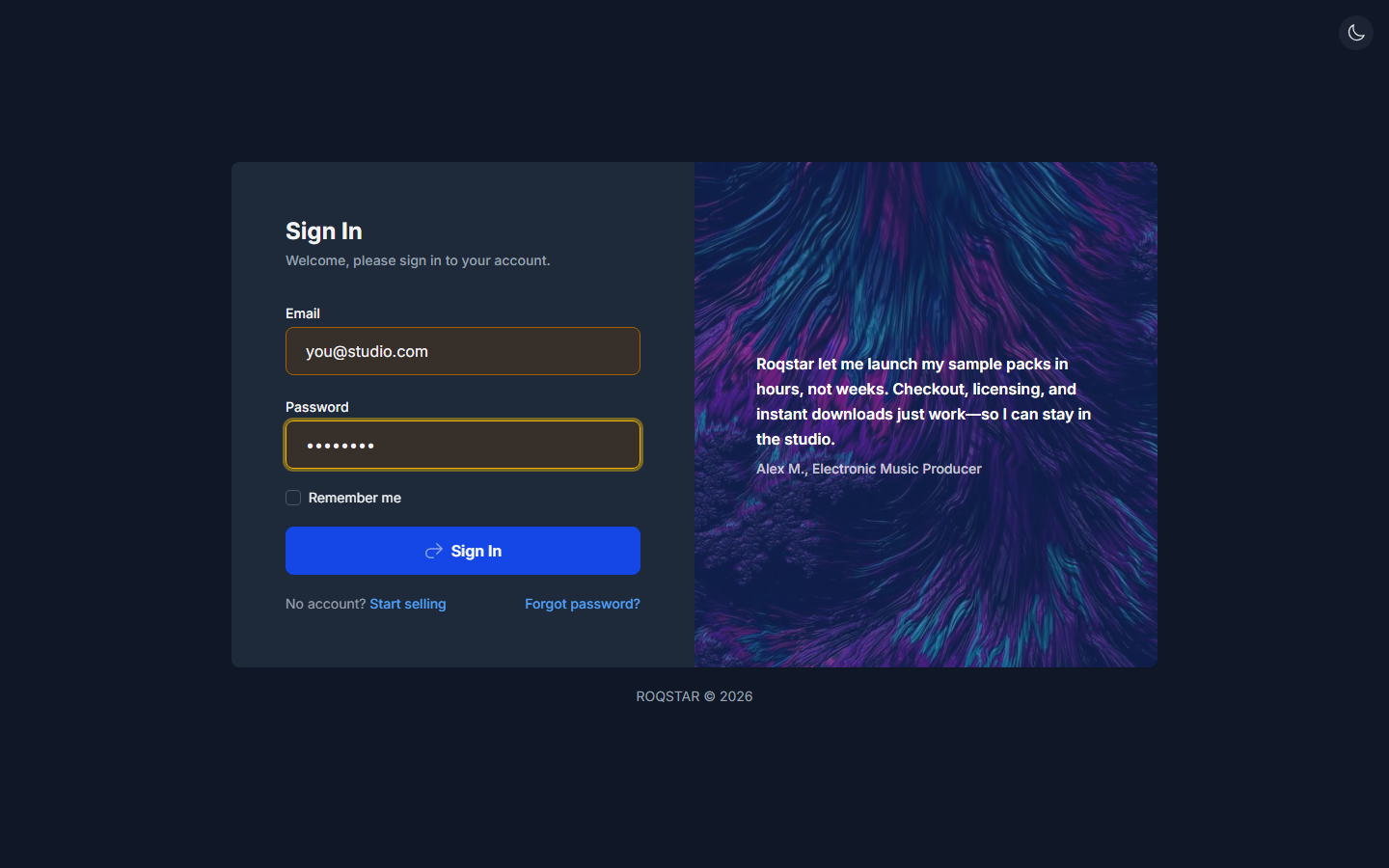
Use the Login page: enter your email, password, and optionally check Remember me.
Two-factor email verification
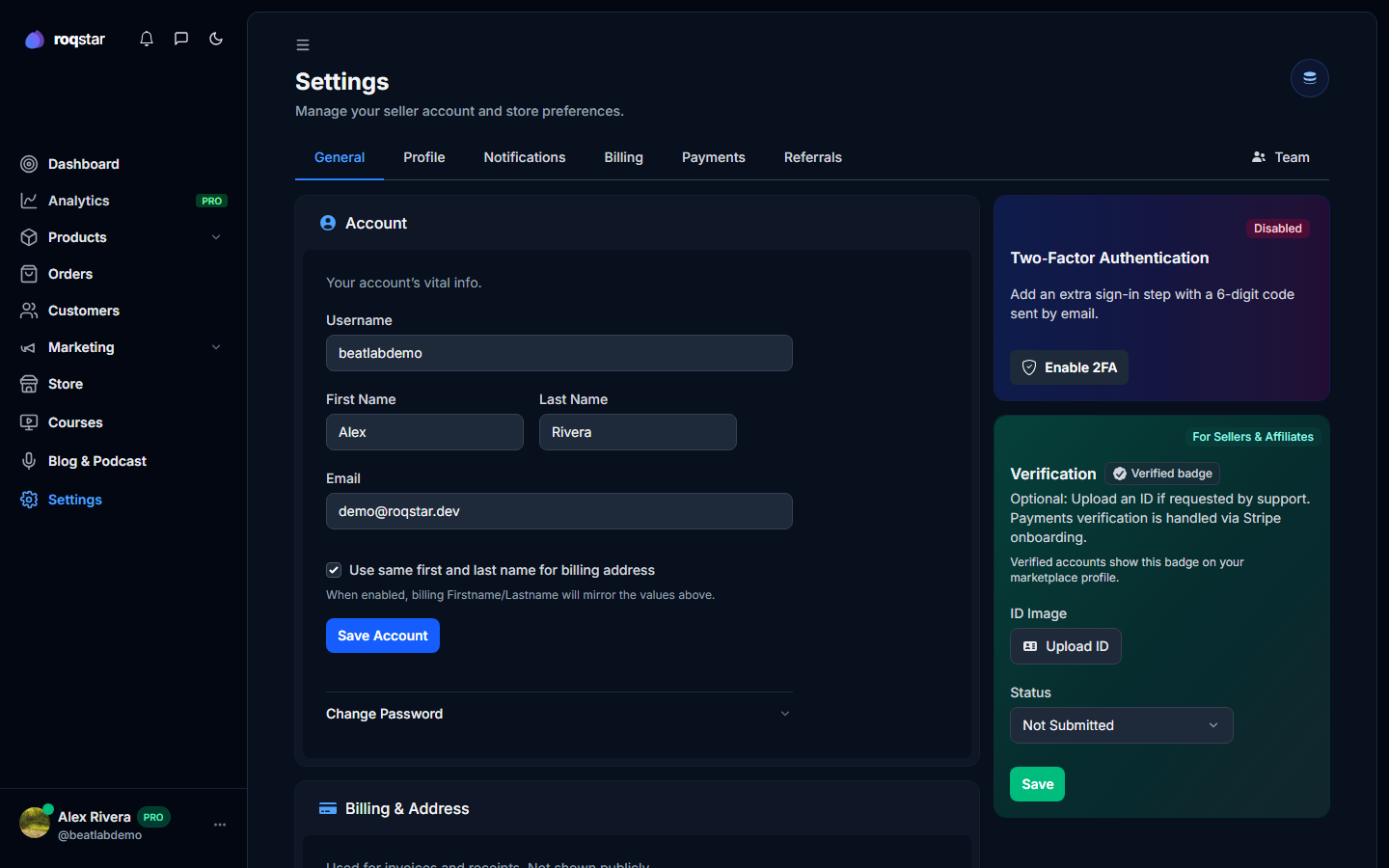
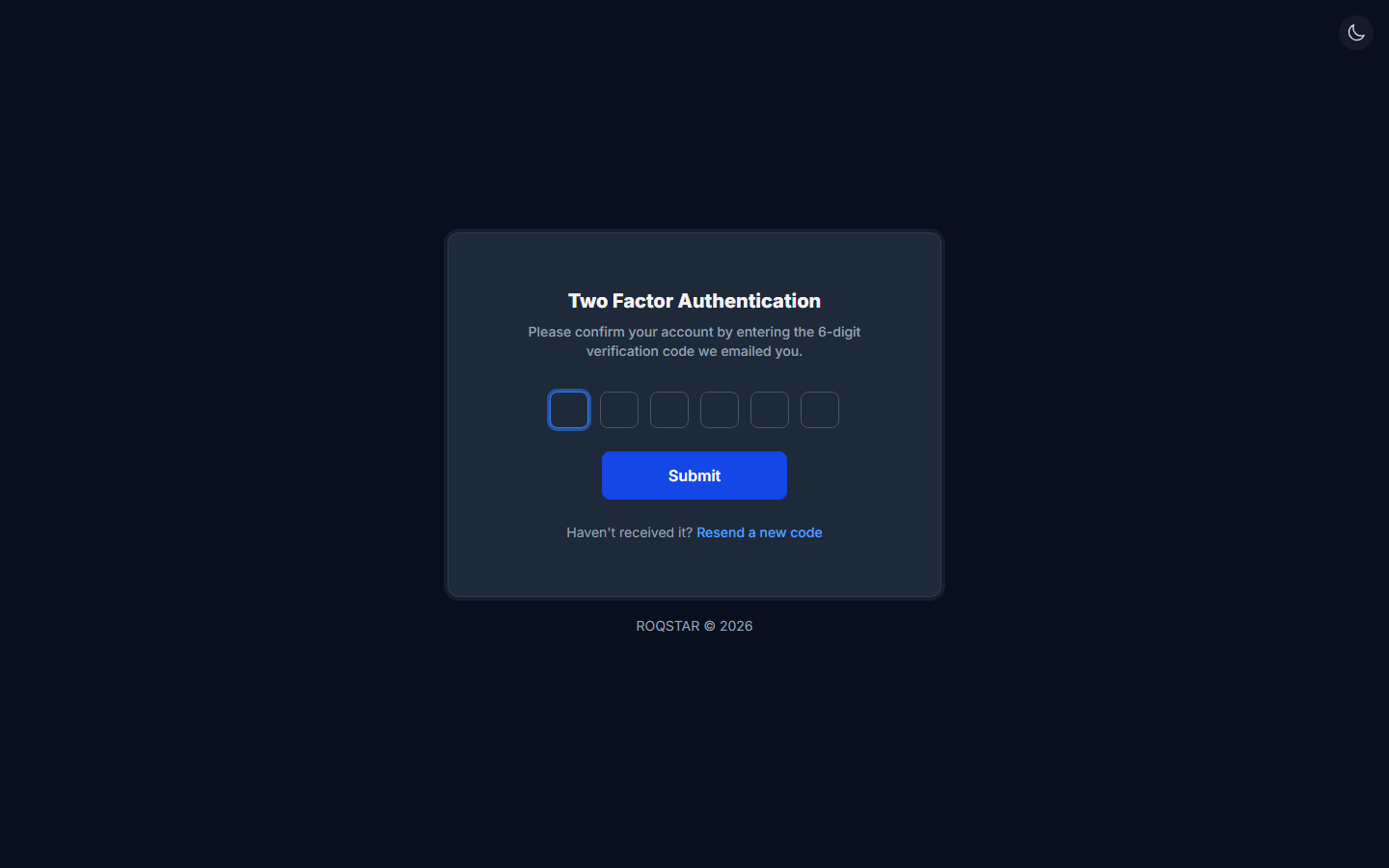
Email 2FA adds a second step after password login: a 6-digit code sent to your inbox. Turn it on in your account settings, then use the code screen when you sign in.
Password reset
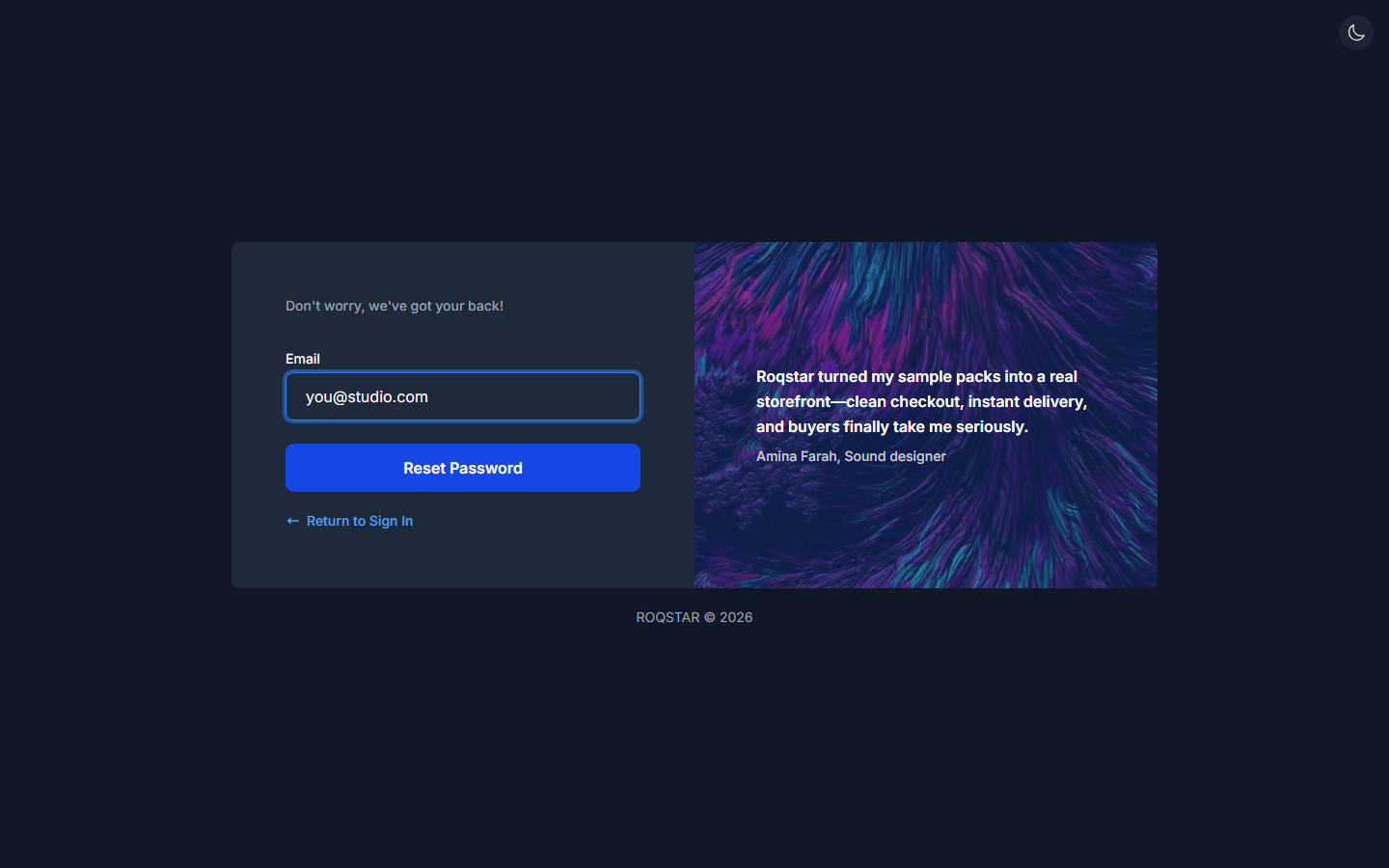
Click Forgot password? on the login page, enter your email, and check your inbox. The new password must be at least 8 characters with one uppercase letter, one number, and one special character.
Notifications
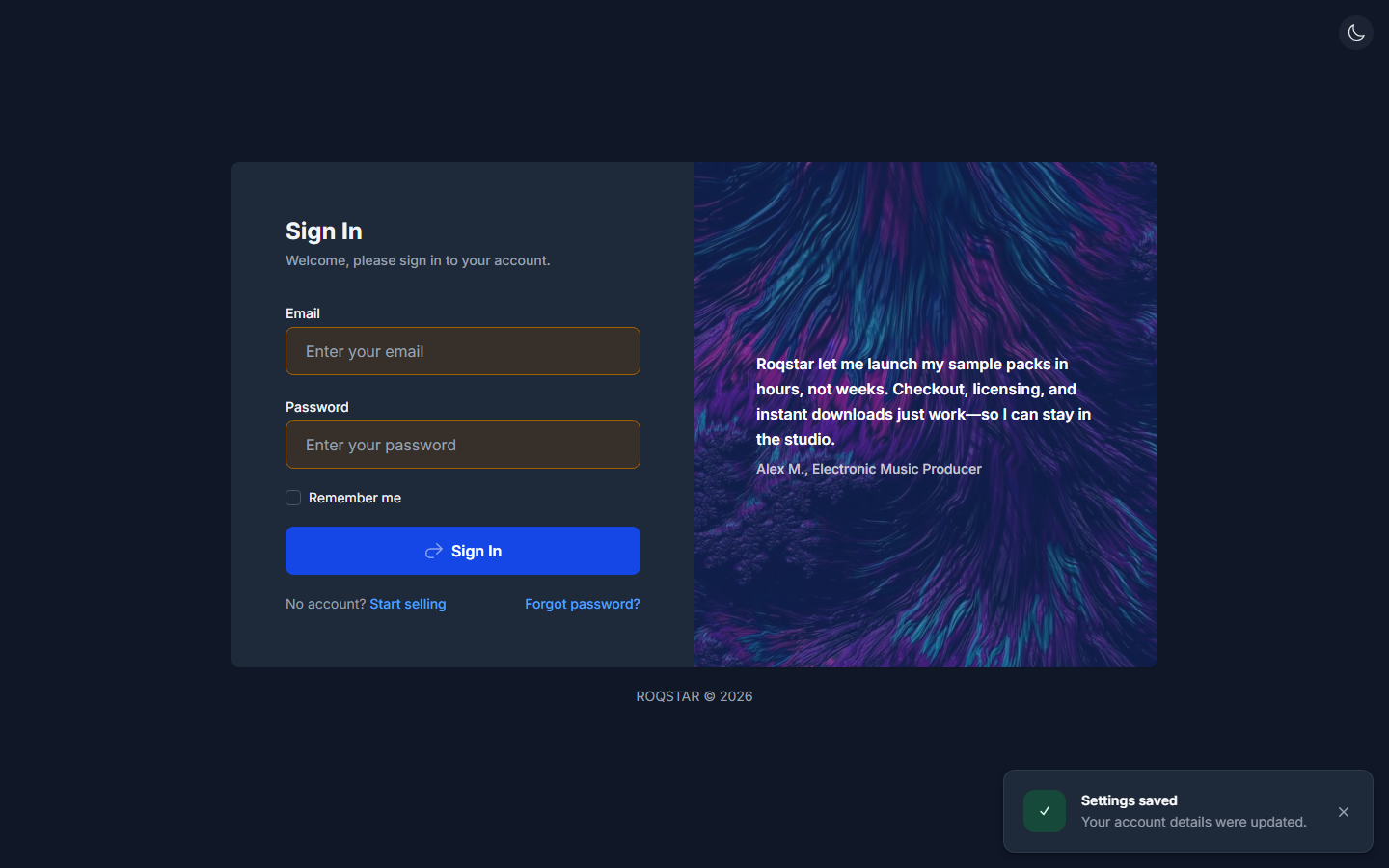
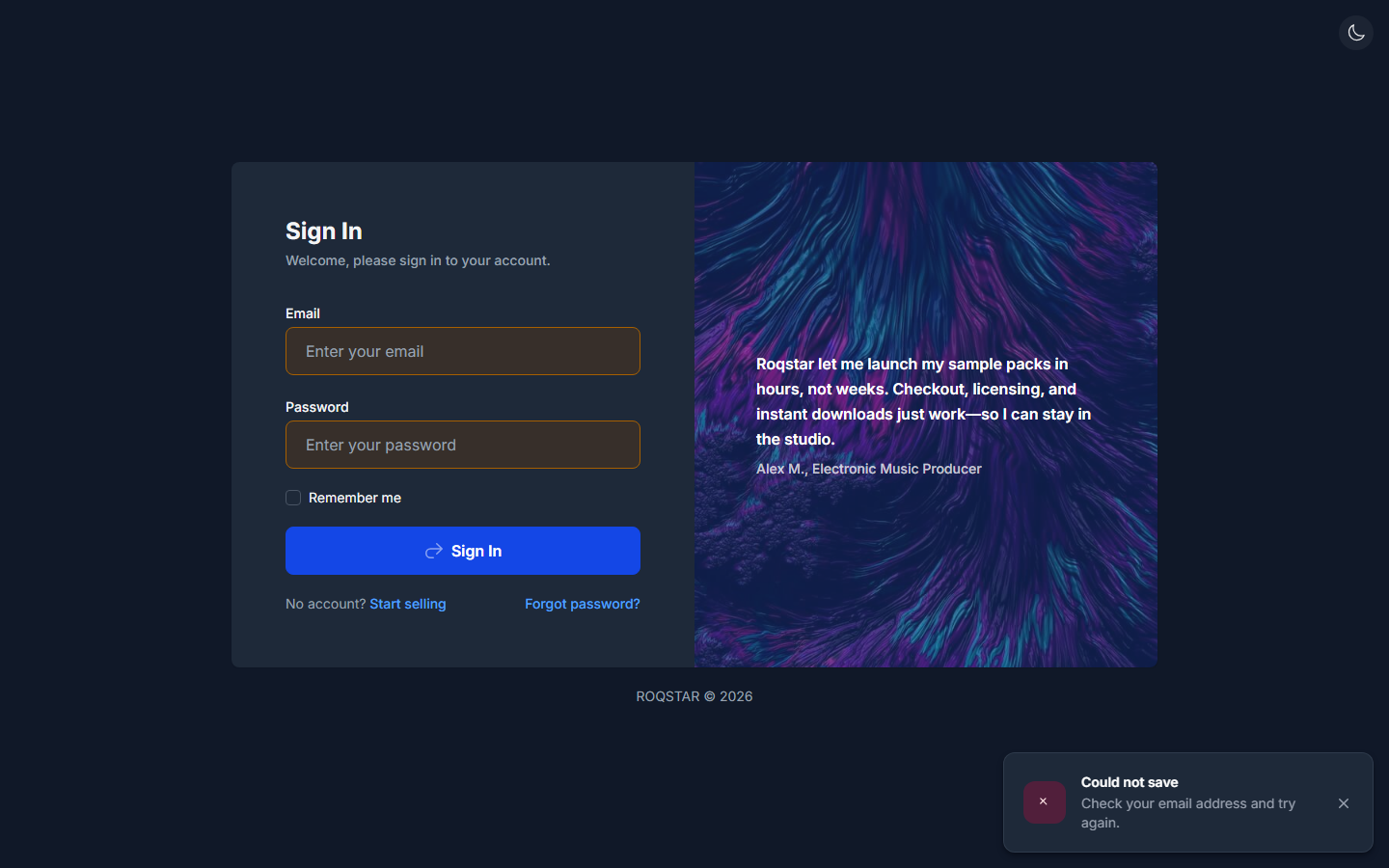
After you save settings or complete an action in the seller dashboard, a confirmation notification appears in the bottom-right corner (not as inline text beside buttons).
Security tips
- Use a unique, strong password for your seller account.
- Sign out on shared or public computers.
- Enable two-factor email verification in Settings > General when available.
- Contact support immediately if you see logins you do not recognize.