Email Marketing
Campaigns, subscribers, and segments on every paid plan. Abandoned cart recovery on Pro and above.
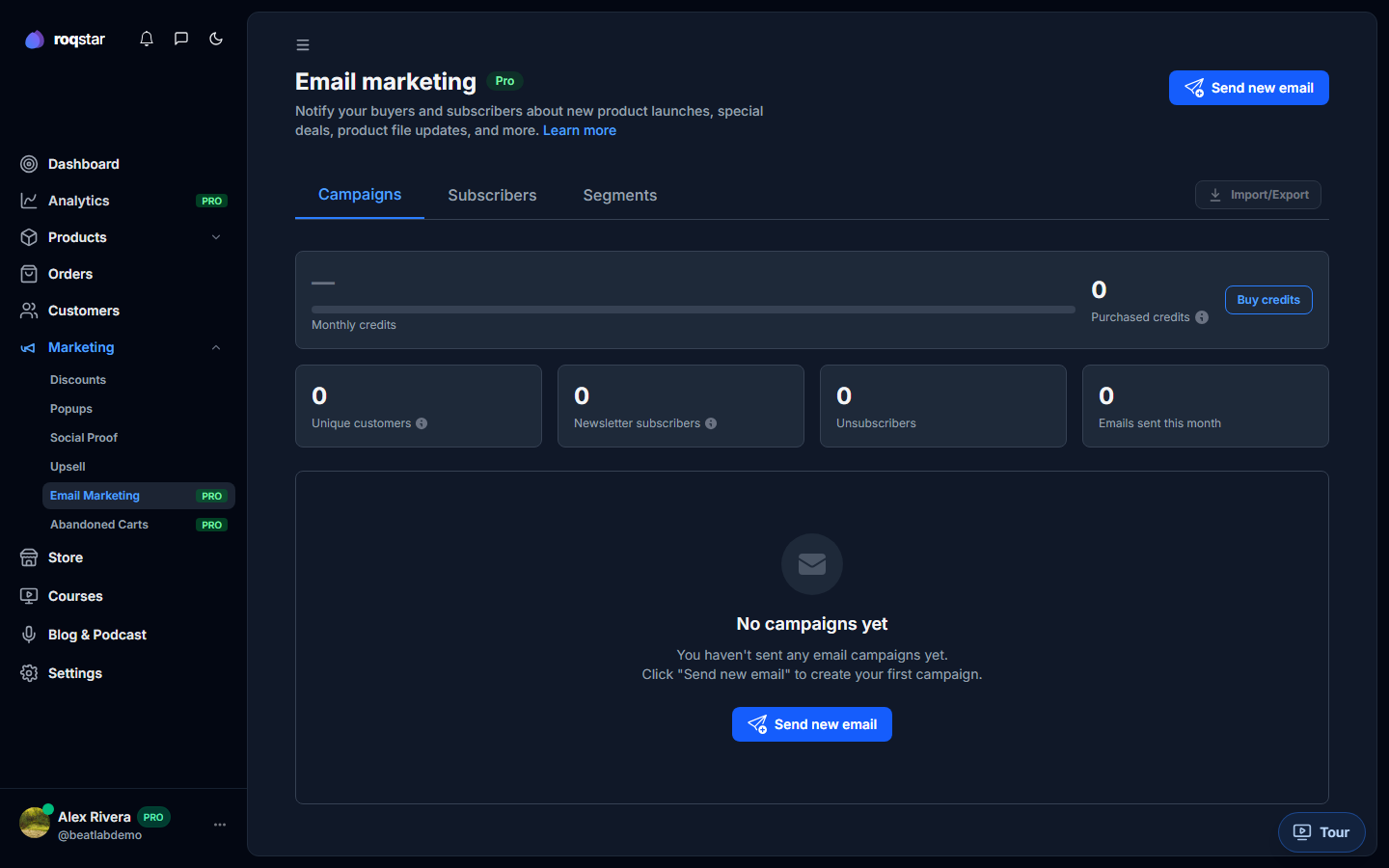
Reach your buyers under Marketing > Email Marketing. Included on every paid plan with monthly credits (Essential includes 1,000).
Campaigns tab
Create email campaigns with a subject, preheader, body, and target segment. Campaigns can be saved as Draft, Scheduled, or sent immediately. Track status (Sending, Sent, Paused) and use actions to stop, resume, retry, or delete.
Subscribers tab
View your subscriber list, import contacts (CSV), export the full list, and unsubscribe individuals when needed.
Segments tab
Build segments with criteria rules to target specific buyer groups (e.g. repeat buyers, recent purchasers). Use segments when creating campaigns for focused sends.
Abandoned cart recovery
Under Marketing > Abandoned Carts (Pro and above), you can:
- See metrics: abandoned carts, potential revenue, recovered carts, recovered revenue.
- Configure email settings: delay before sending (1h-24h or never), discount percentage.
- Edit the email template: subject, body, and insertable tags (
seller_username,discount_percents,discount_total). Live preview updates as you type. - Manually send recovery emails to individual abandoned carts.
Store email templates
Separately, under Store > Email Settings, you can customize templates for purchase confirmation, newsletter confirmation, subscription invoices, subscription canceled, cart abandonment, and order access emails.