Online Store
Configure your storefront: name, branding, SEO, taxes, email templates, and apps.
Configure your storefront under Store in the seller sidebar. Five tabs cover settings, taxes, buyer emails, apps, and integrations.
Settings
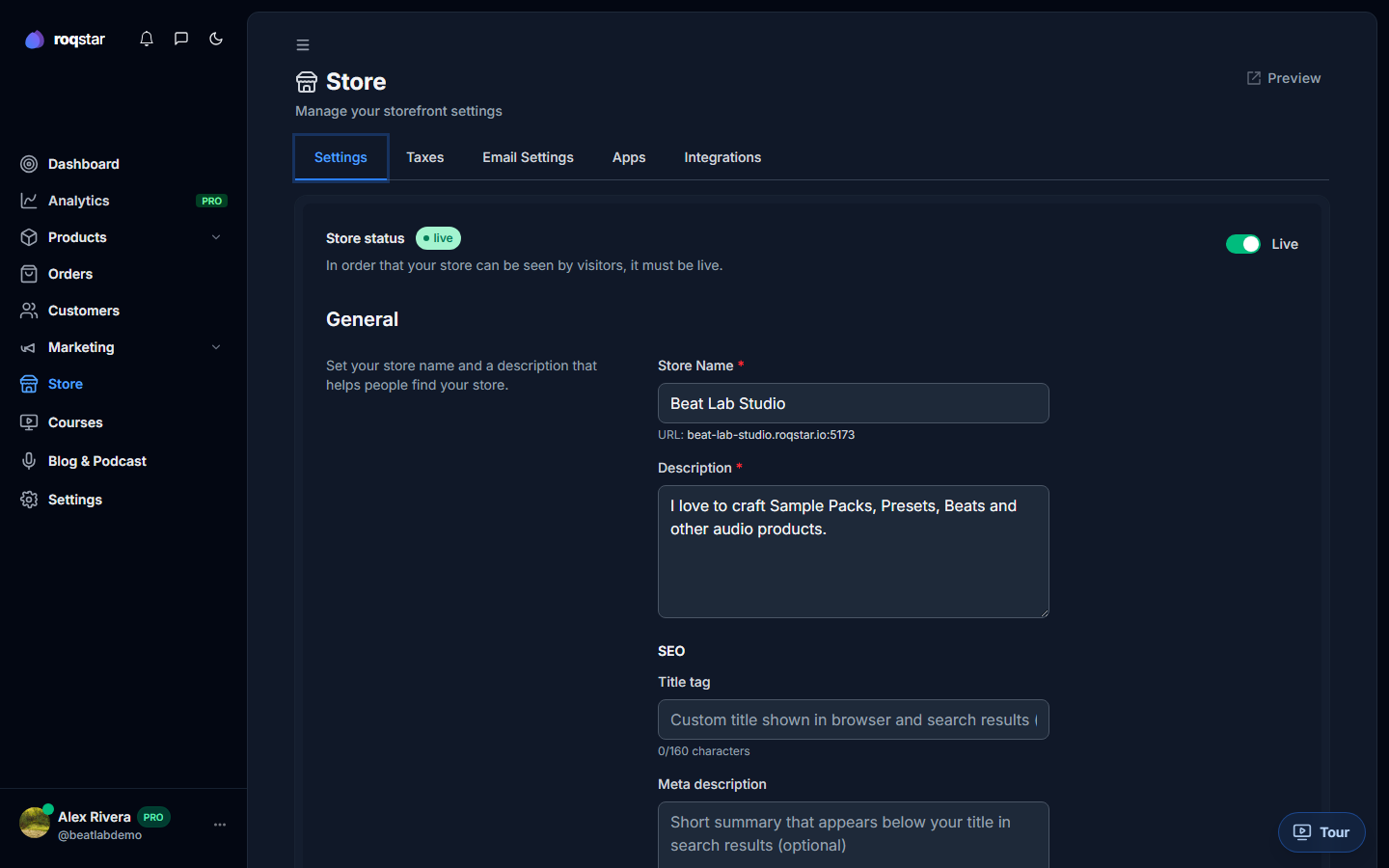
- Store status: toggle Live or Offline.
- General: store name, description, SEO title (160 chars), meta description (500 chars).
- Custom domain: available on Business plan; enter your domain and verify DNS.
- Password protection: gate your store with a password, set session duration and a custom message.
- Support email: override the default contact address for buyer inquiries.
Taxes
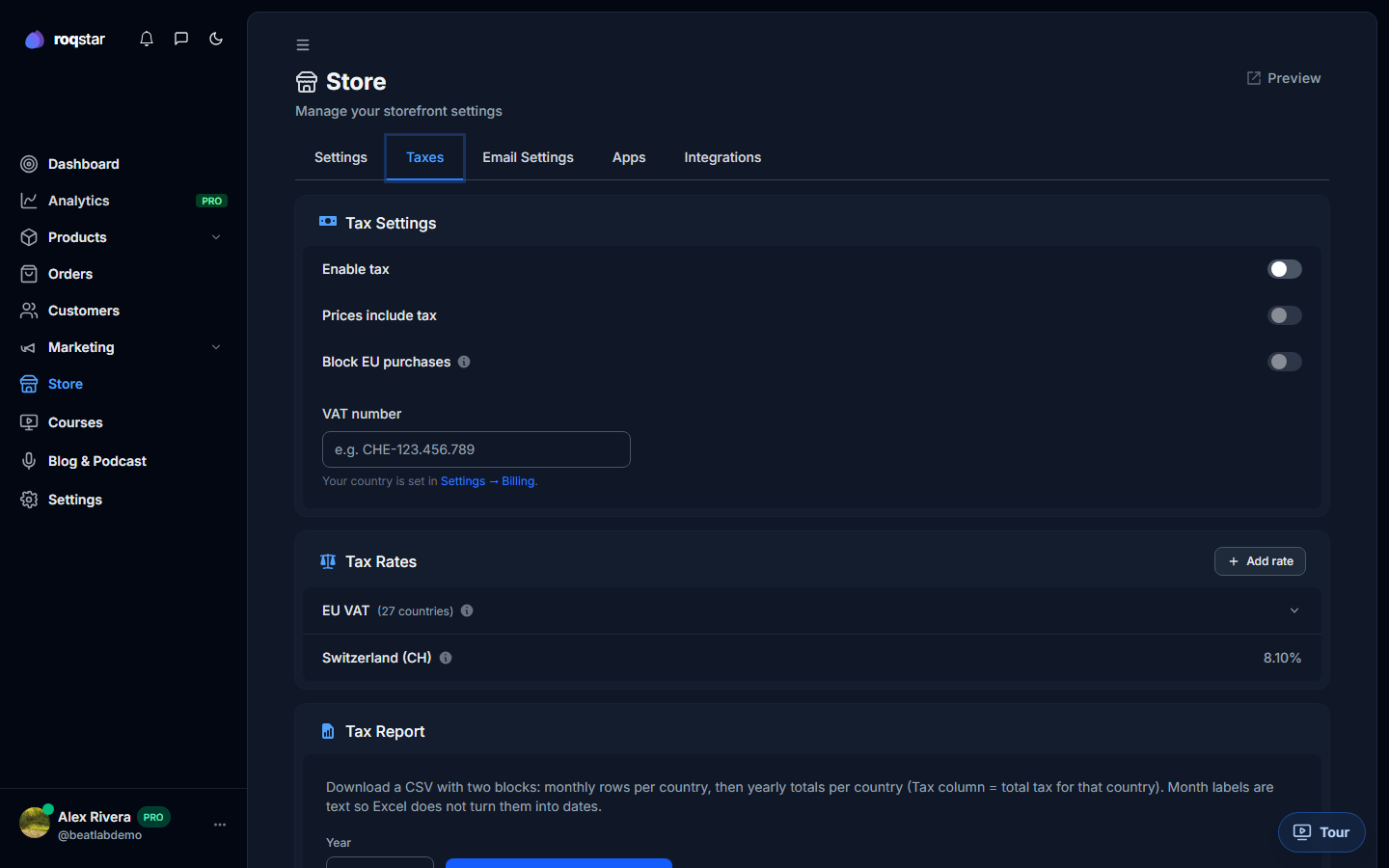
Enable tax collection, set "prices include tax," block EU purchases if needed, enter your VAT number, add custom tax rules by country, and generate annual tax report CSVs.
Email Settings
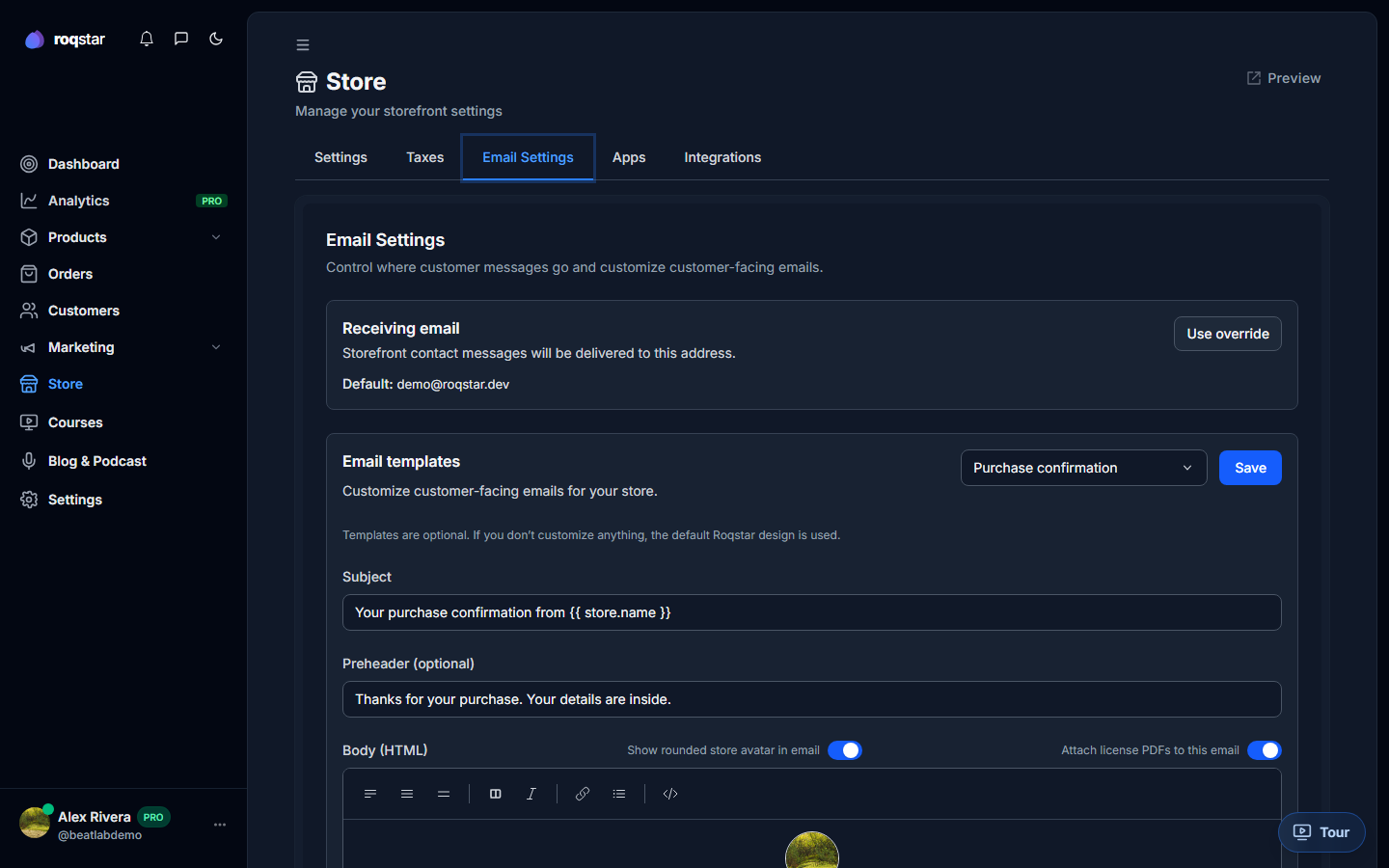
Customize email templates for: Purchase confirmation, Newsletter subscriber confirmation, Subscription invoice, Subscription canceled, Cart abandonment, and Order access. Edit subject, preheader, and body with the built-in HTML editor. Toggle the avatar display per template.
Apps
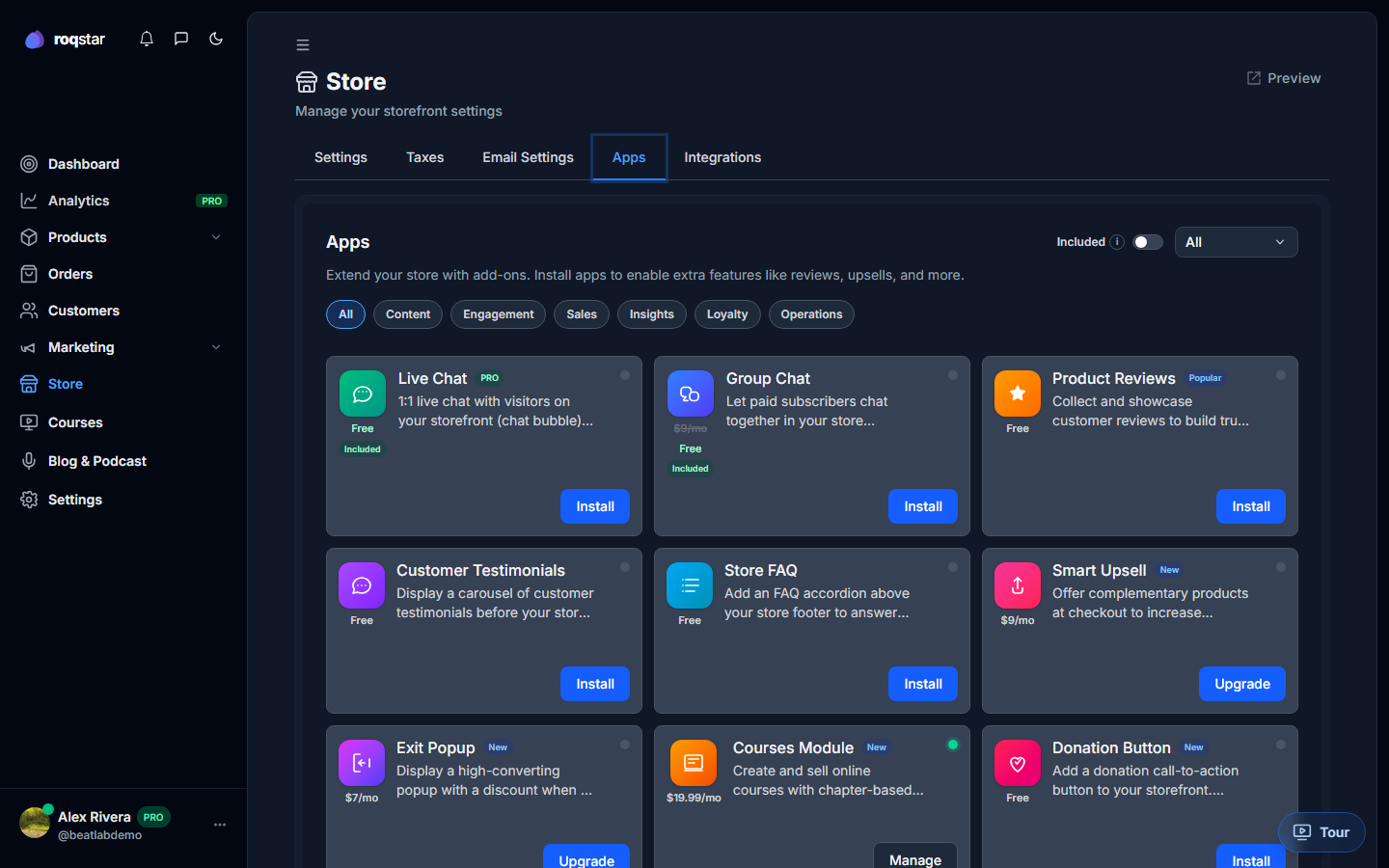
Browse installed and available apps. Toggle them on or off:
- Live Chat: real-time messaging with buyers (included on every paid plan; message limits vary).
- Reviews: product review collection.
- Customer Testimonials: manage and display buyer testimonials.
- Upsell, Analytics, SEO Tools, Loyalty, Seller Support: additional tools for your store. SEO Tools is configured under Marketing > SEO after install.
Integrations tab
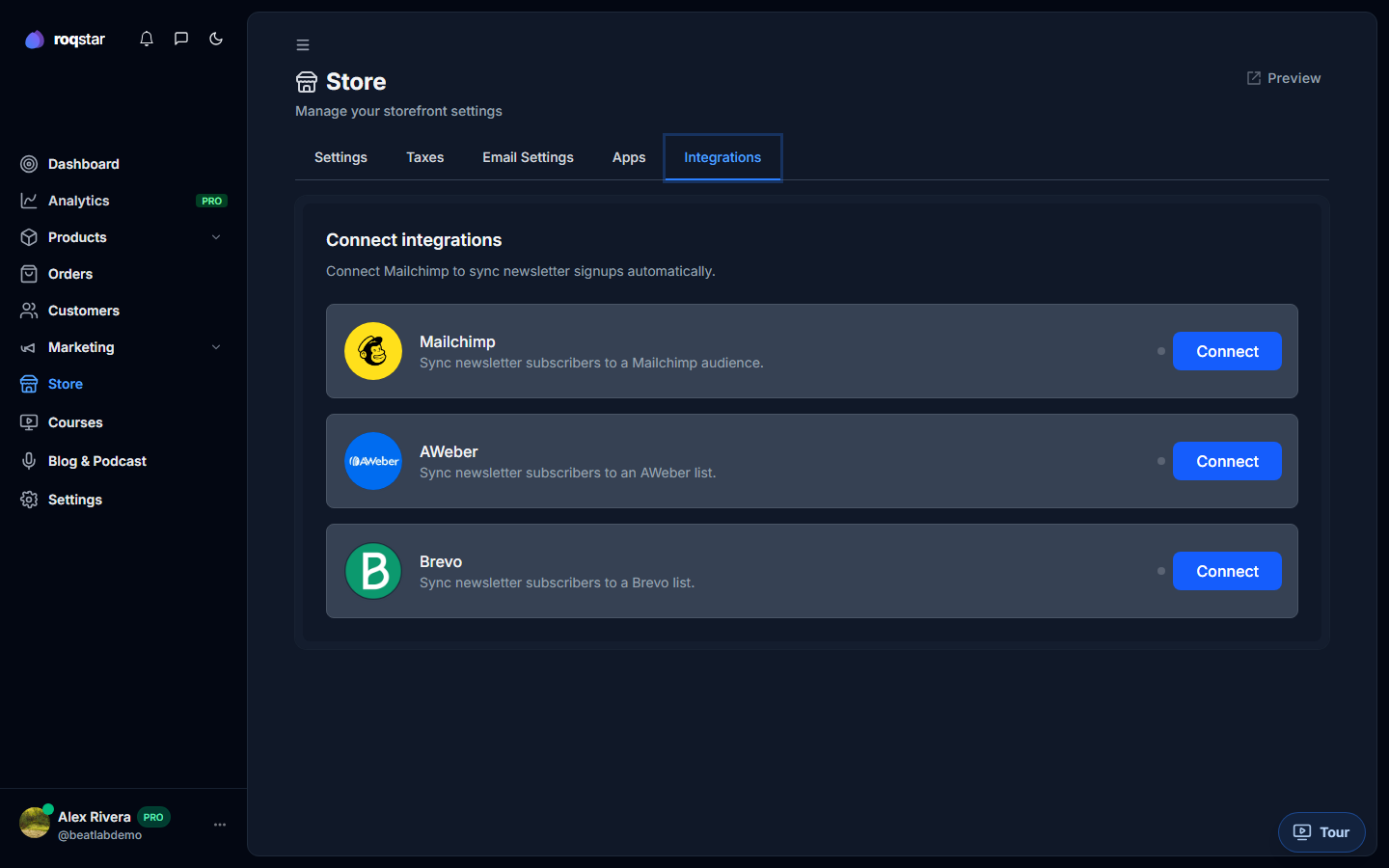
Third-party integrations (Mailchimp, AWeber, Brevo) sync newsletter subscribers from your store to your ESP.
Store preview
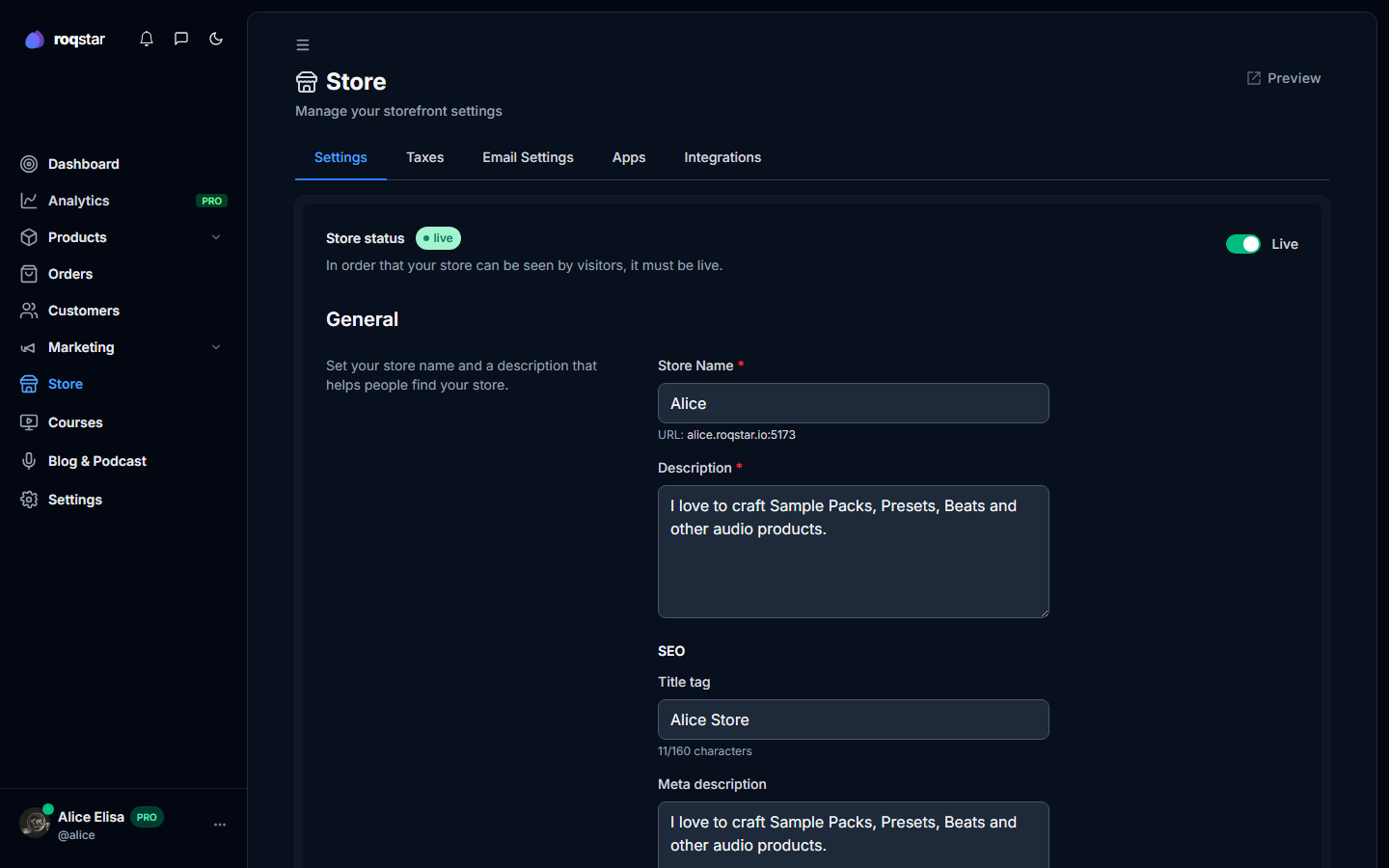
Click Preview at the top of the Store page to open your storefront in a new tab exactly as buyers will see it.