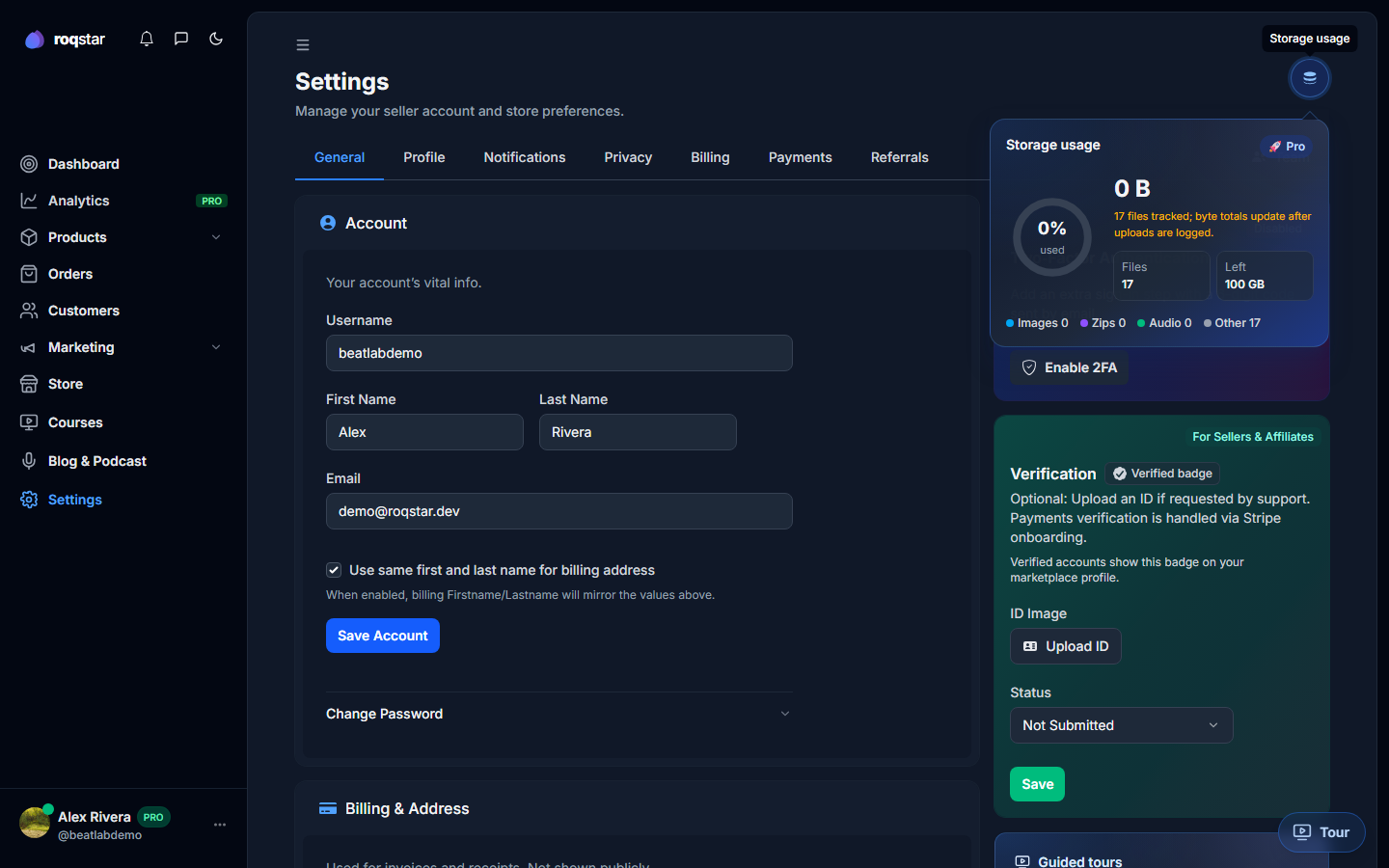
Storage limit reached
Free up space by deleting unused media, or upgrade your plan for more storage. Individual files are capped at 5 GB.
Two limits apply: your plan storage total, and a 5 GB maximum per file.
- Open Settings > General and read the storage ring.
- Remove large demos or duplicate files from products.
- Upgrade under Billing for more GB.
If a single upload fails because it is too large, split the pack or compress it so each file stays at or under 5 GB. Uploading large files can seem to take a long time because many internet service providers give priority to downloads.