Tip: Exclusive licenses on beats
Lease at lower tiers; offer exclusive buyout as a premium upsell with automatic one-time sale.
Sell the same beat on a lease (non-exclusive) and an exclusive buyout (one buyer takes full rights). ROQSTAR removes the listing automatically after an exclusive purchase.
Set up license tiers
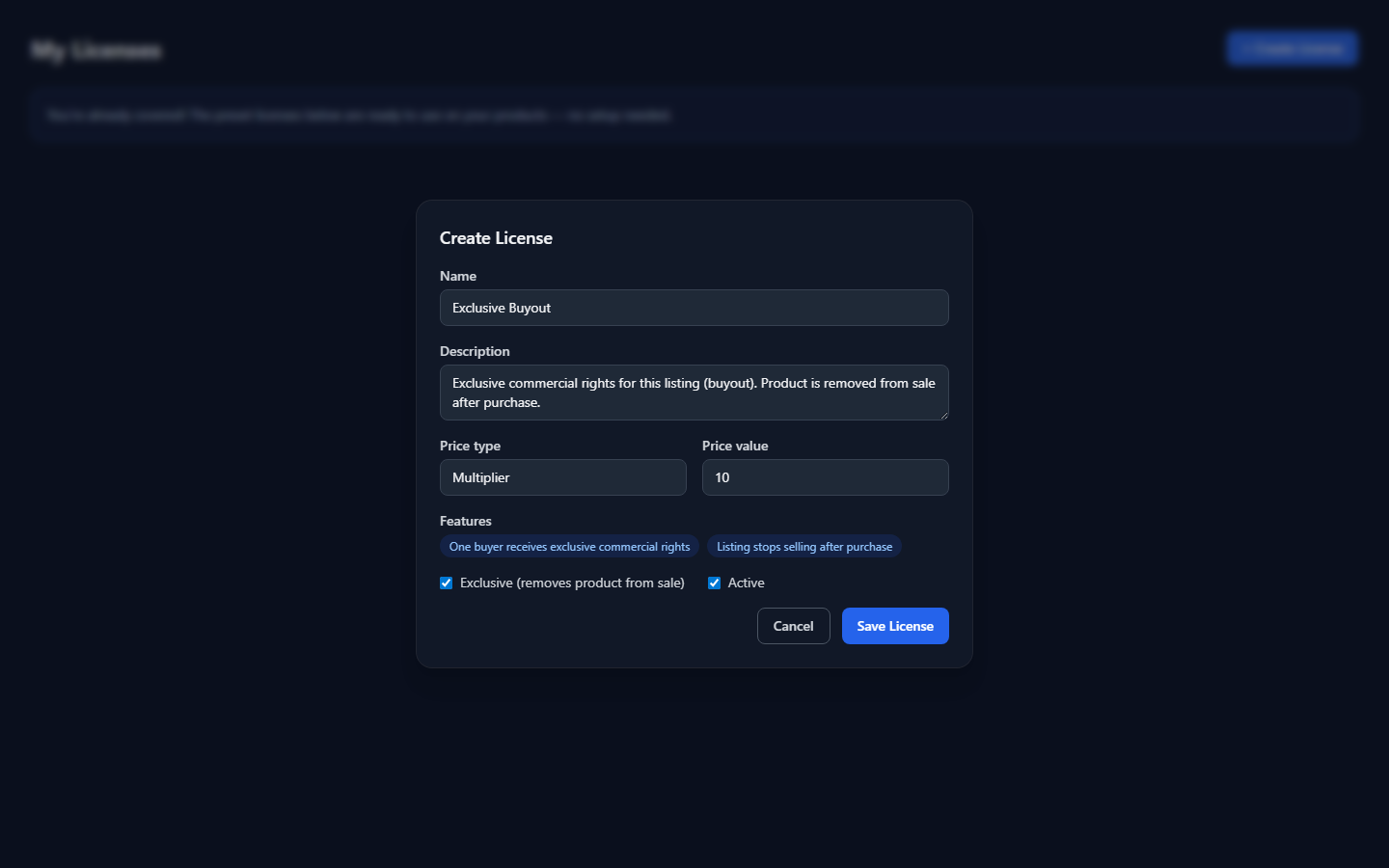
Open Products > My Licenses. Enable presets such as Standard, Extended, and Exclusive, or click Create License for a custom tier. Exclusive pricing often uses a 10x+ multiplier over your base lease price.
Exclusive = one-time sale
In the create/edit license modal, turn on Exclusive (removes product from sale). That means the product can only be sold once under that tier: after checkout completes, ROQSTAR marks the product as sold and it disappears from your store and marketplace - no one else can buy it.
If you add an exclusive license to a product, it must be the only license on that listing (other tiers are removed). Buyers who already leased the beat keep the rights they purchased; your listing simply stops selling.
Attach licenses to the beat
- In the product wizard, turn on Licenses and select your enabled tiers.
- State your stems and buyout policy in the description so buyers know what exclusive includes.
- Publish - shoppers pick a tier at checkout.
See My Licenses for preset details and custom license fields.