Discounts
Create percentage or fixed discount codes with usage limits and date ranges.
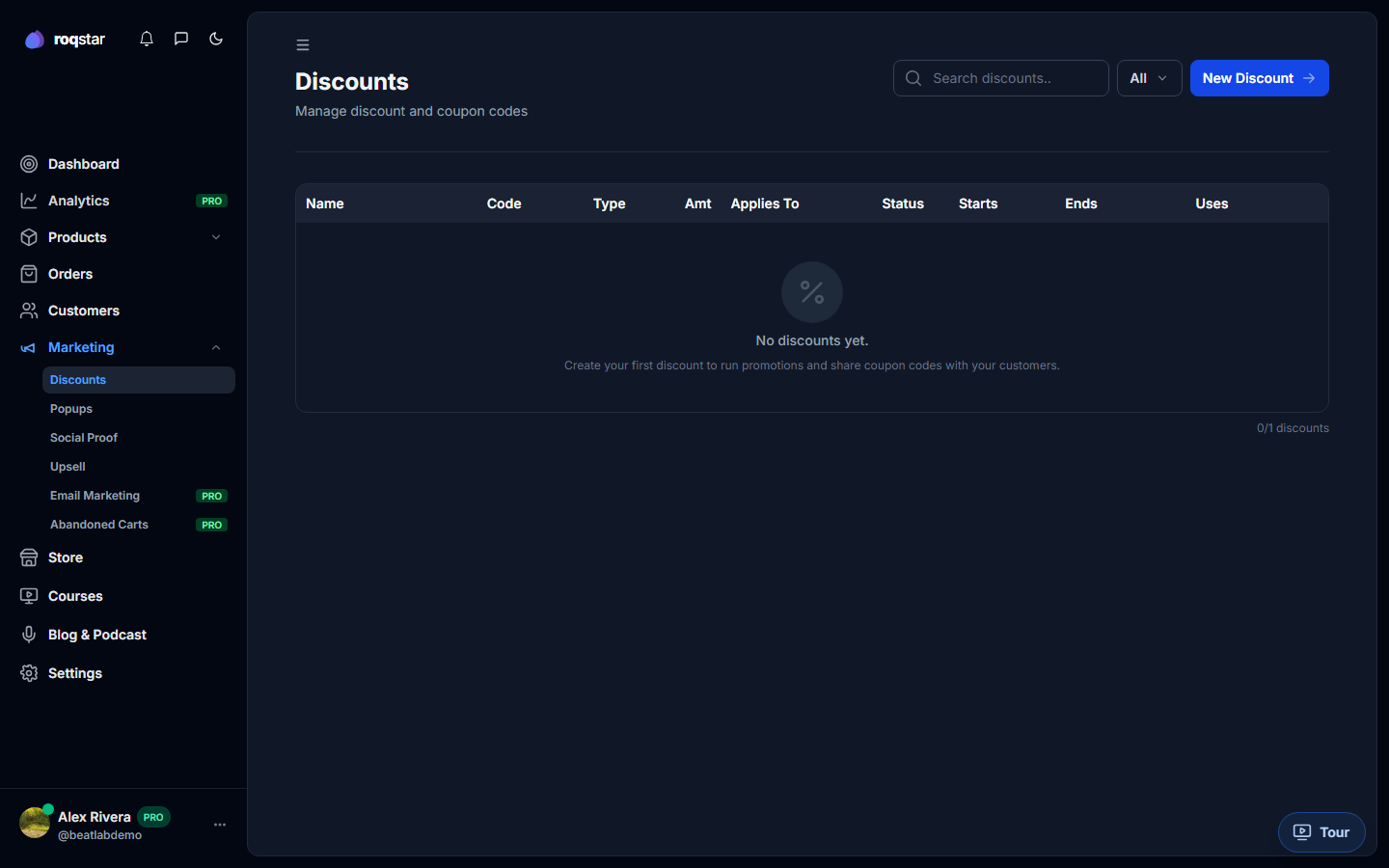
Create and manage discount codes under Marketing > Discounts.
Creating a discount
Click New Discount to open the editor. Fill in:
- Name: internal label.
- Code: 3-32 characters, A-Z and digits. This is what buyers enter at checkout.
- Amount and Type: choose Percentage or Fixed.
- Products: applies to All products or select specific ones.
- Settings: optional start date, end date, max redemptions, and show countdown.
Plan limits
The number of active discounts may be limited by your plan. When the limit is reached, the New Discount button is disabled with a notice.
Discount list
Table columns: Name, Code, Type, Amount, Applies To, Status, Start/End dates, Uses, and actions (Edit, Delete).