Support
Create support tickets, reply with screenshots, and chat with buyers.
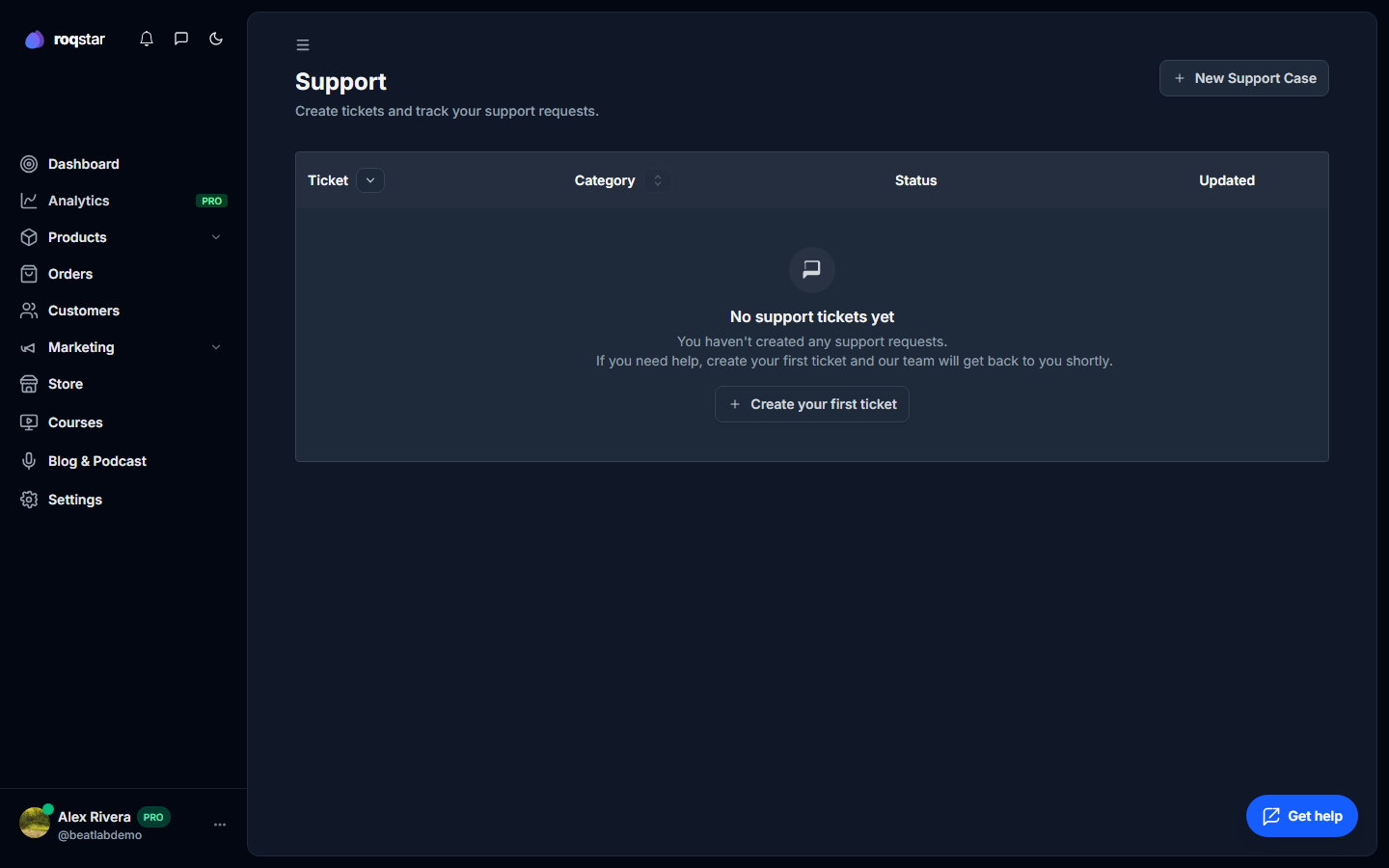
Get help and communicate with buyers using the built-in tools.
Support tickets
Open Support in the sidebar to view and create tickets. Filter by status (Open, Pending, Resolved) and category (General, Storefront, Products, Orders, Billing, Integrations).
When creating a ticket, enter a subject, select a category, write a description, and optionally attach up to 3 screenshots (5 MB each, drag-and-drop supported).
Inside a ticket, view the description, attachments, and conversation thread. Reply with text and images, or click Mark as solved to close.
Chat
Open Chat in the sidebar to message buyers and team members in real time. Features include:
- Filter conversations: All, Store, Community, Internal, Archived.
- Send text, emoji, images, audio, video, and document attachments.
- Archive, delete, or block contacts.
- Mute notification sounds.
- Typing indicators and online presence.
Chat message limits depend on your plan. When the limit is reached, a prompt to purchase additional credits appears.