Notifications
Choose which email and in-app notifications you receive for orders, customers, and system events.
Choose which alerts you get under Settings > Notifications. This controls how Roqstar pings you as a seller not what buyers receive (that is Store > Email settings).
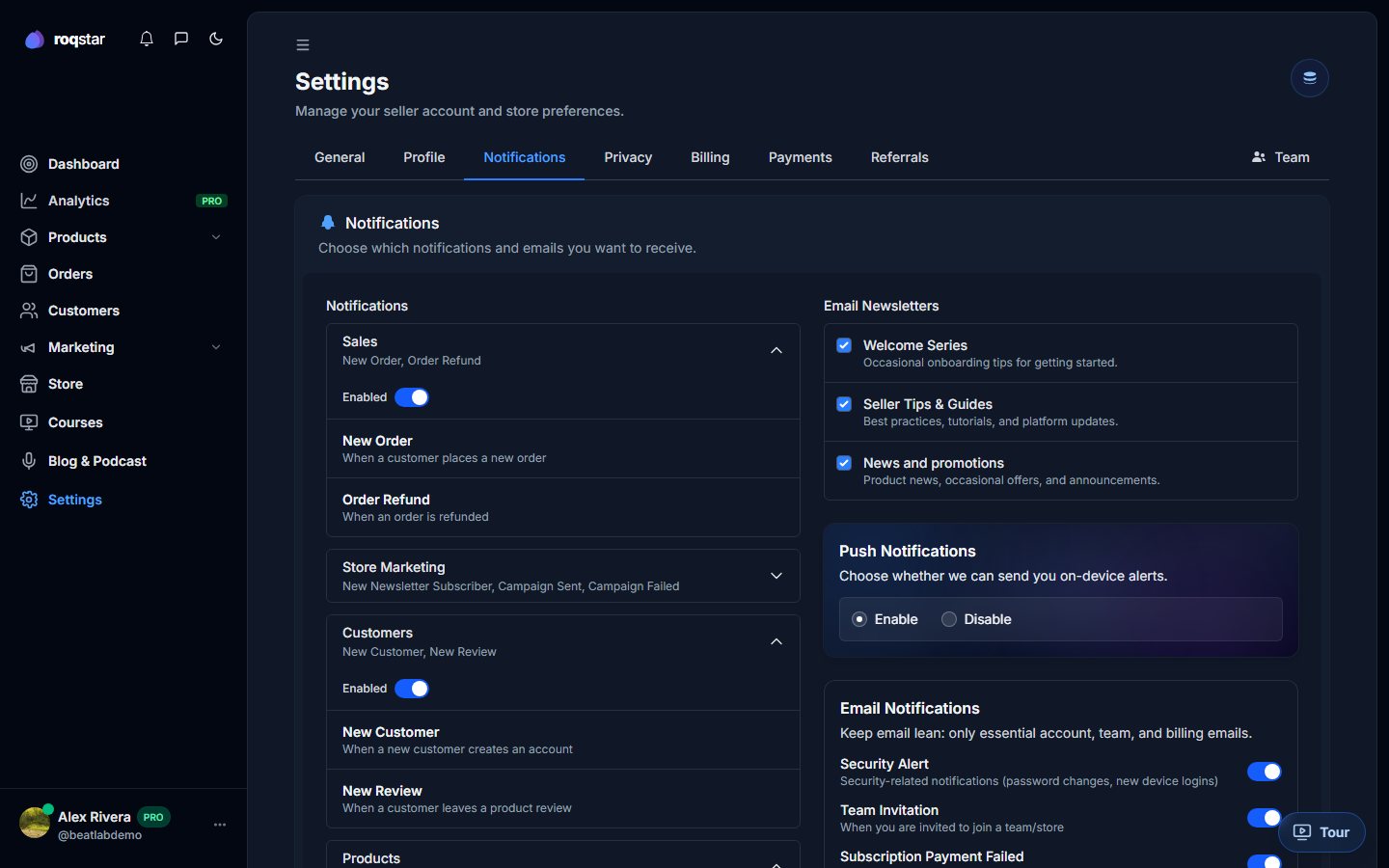
Notification preferences
Toggle categories such as new orders, payment events, customer activity, marketing send completions, team invites, and security alerts. Save changes; a toast confirms success.
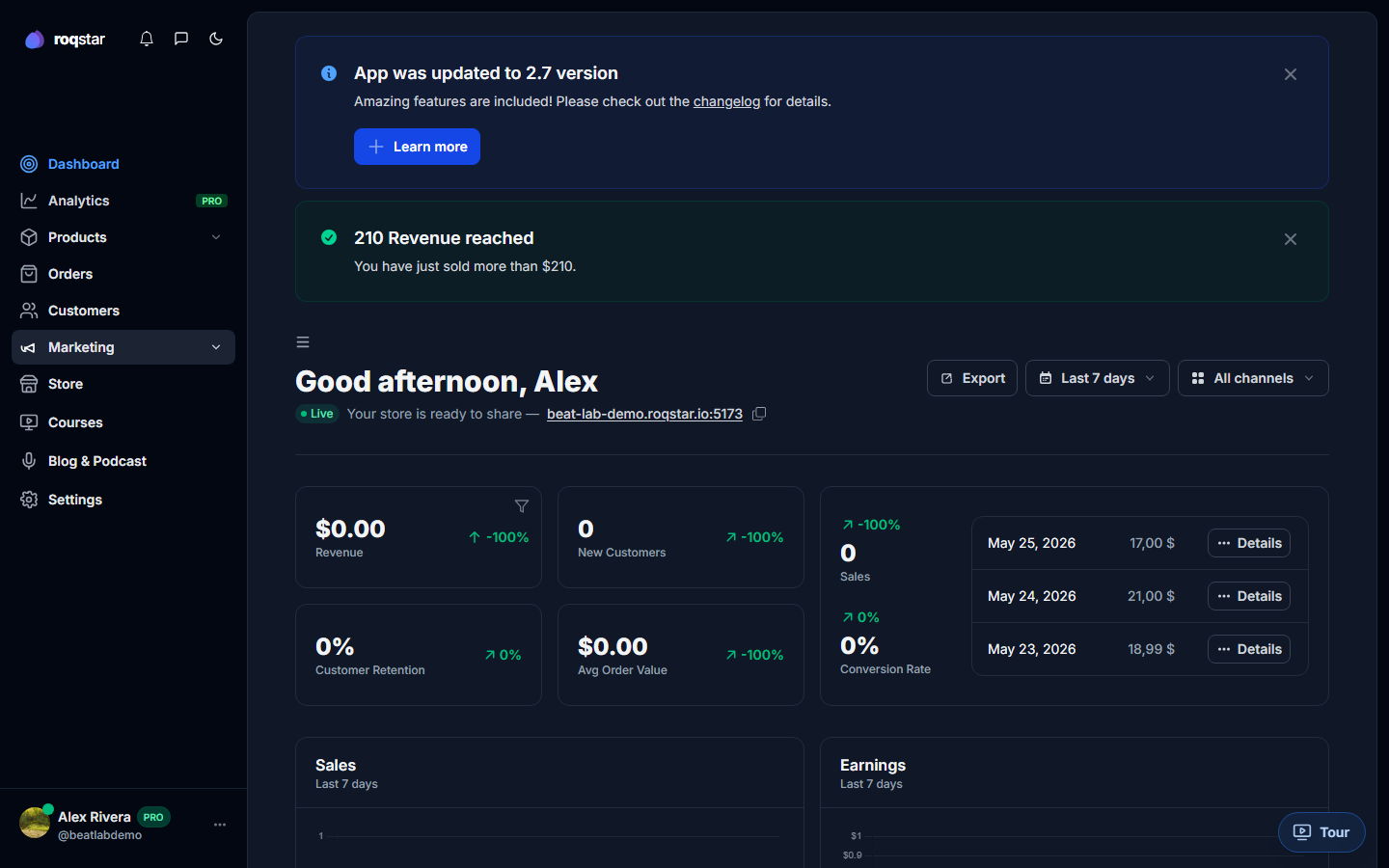
In-app bell
The header bell shows recent alerts while you work. Open it to review items and mark them read. Email delivery for the same events still follows the toggles above.
Milestones and celebrations
When you hit milestones (for example your first sale), a short celebration modal may appear with a stats recap. Each milestone is shown once so it does not repeat every login.