Profile
Public seller profile: avatar, headline, and bio shown on your storefront.
Your Profile settings control how you appear to buyers on your storefront.
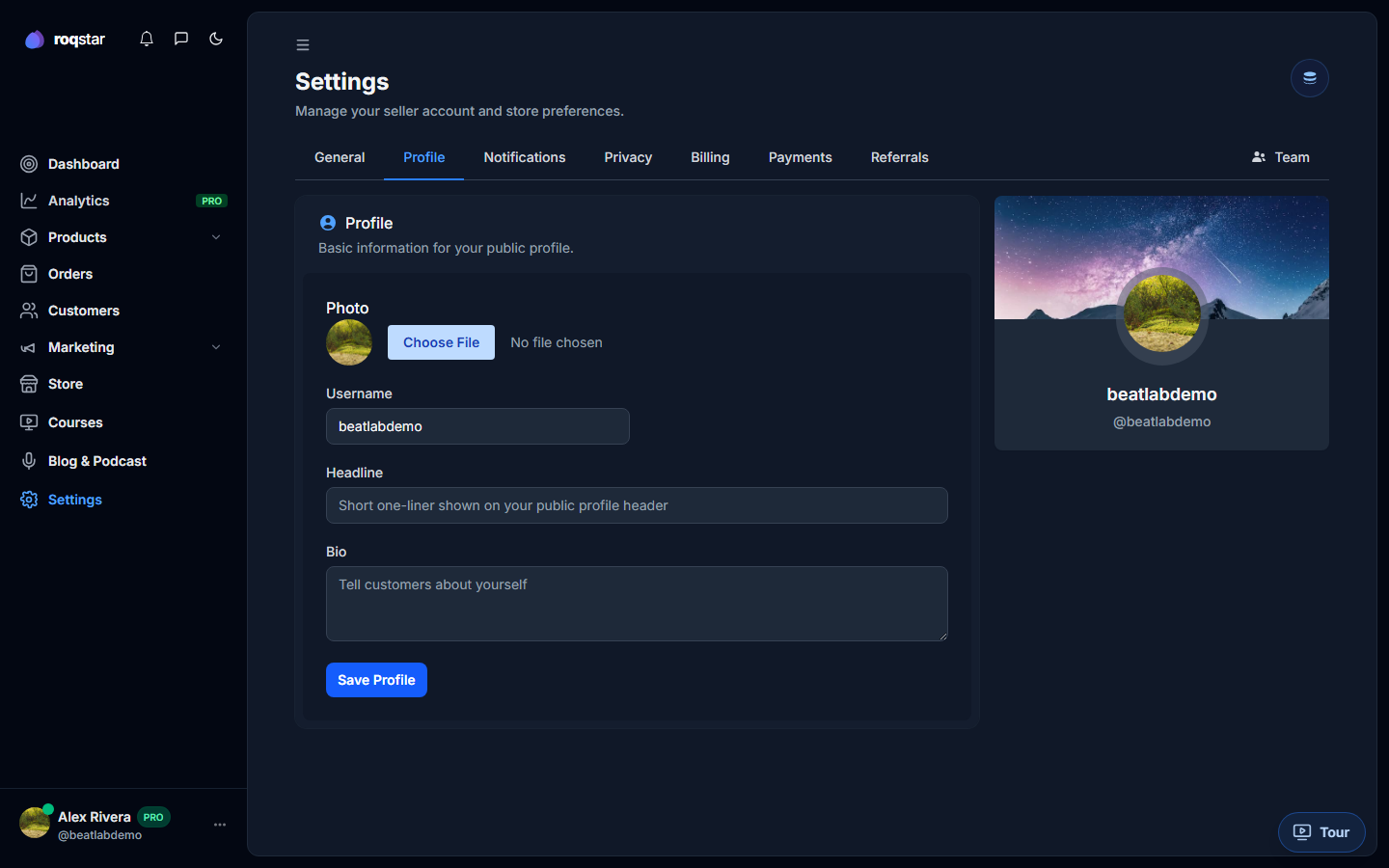
Fields
- Avatar: square image; updates live in the sidebar as you pick a file.
- Headline: one-line tagline (e.g. "Trap & Drill producer").
- Bio: longer description of you and your catalog.
Click Save to persist. A success toast confirms the update.
Where buyers see this
- Your storefront About / seller section.
- Marketplace seller cards (unless hidden in Settings > Privacy).
- Order confirmation emails when the avatar toggle is enabled on templates.
Related
- Settings > Privacy (article coming)