Taxes
Enable tax collection, VAT, EU rules, custom country rates, and annual tax CSV exports.
Configure how taxes apply to your storefront sales on Store > Taxes.
You manage taxes. Roqstar gives you tools and a starting point under Store > Taxes (rules, VAT fields, reports). Because you are the merchant of record (MOR), you must decide what to collect, keep rates correct, and file/remit with the tax authorities yourself. Roqstar does not act as your tax advisor or file on your behalf.
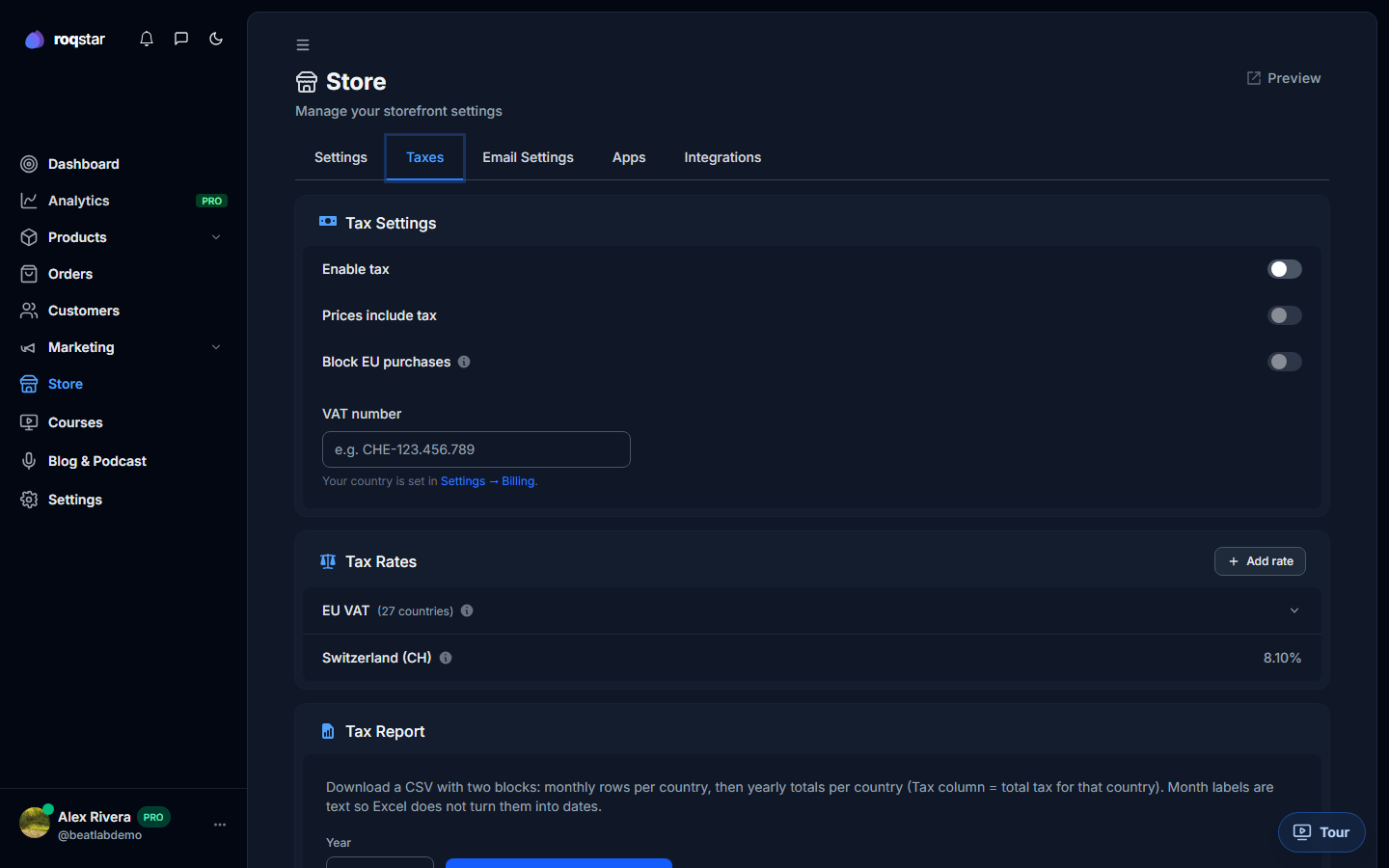
Common options
- Enable or disable tax collection.
- Prices include tax: display gross prices on the storefront.
- Block EU purchases: when you cannot comply with EU VAT.
- VAT number: shown on invoices where applicable.
- Custom rules by country: override default rates.
- Annual tax report: export CSV for your accountant.
Tax settings. Laws vary by country. This screen is for store setup, not legal advice.