Orders
How buyers sign in and open their order history and downloads.
Buyers do not need a password. They request a magic link and open their orders and downloads from the Customer Portal.
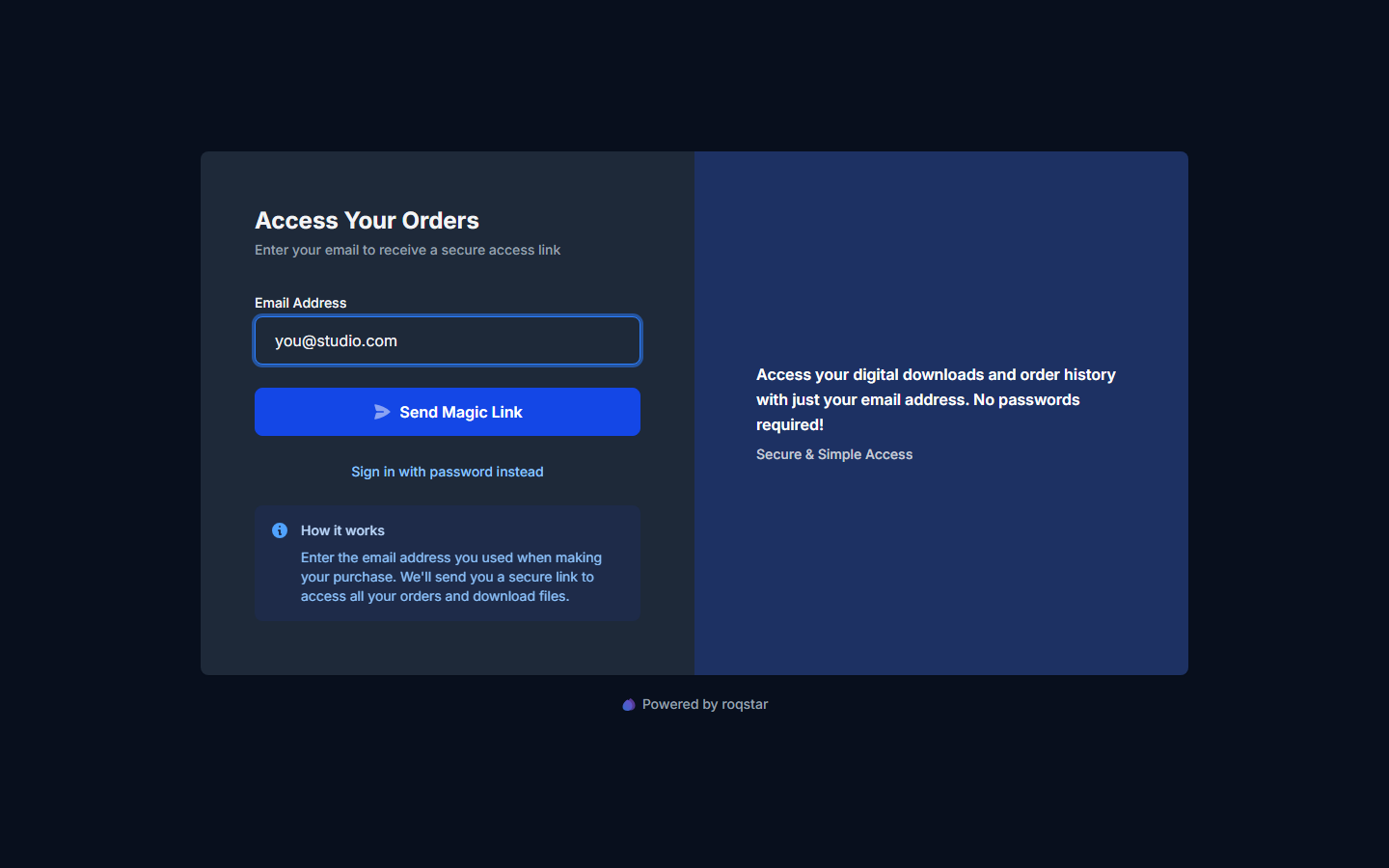
Signing in
- Open the Customer Portal and enter the email used at checkout.
- Receive a magic link by email and open it to verify.
- Land in the account with every order and its files.
Orders and downloads
Open Orders for purchase history, or Downloads for the main deliverable plus any stems or add-ons. Files stay available for re-download.
Troubleshooting
- Link not received: see Magic link not received.
- Download not working: see Download link not working.