Stripe says "charges not enabled"
Finish Stripe Connect until charges are enabled on Settings > Payments.
If you use Stripe at checkout, charges must be enabled. Connecting once is not enough if Stripe still has open requirements.
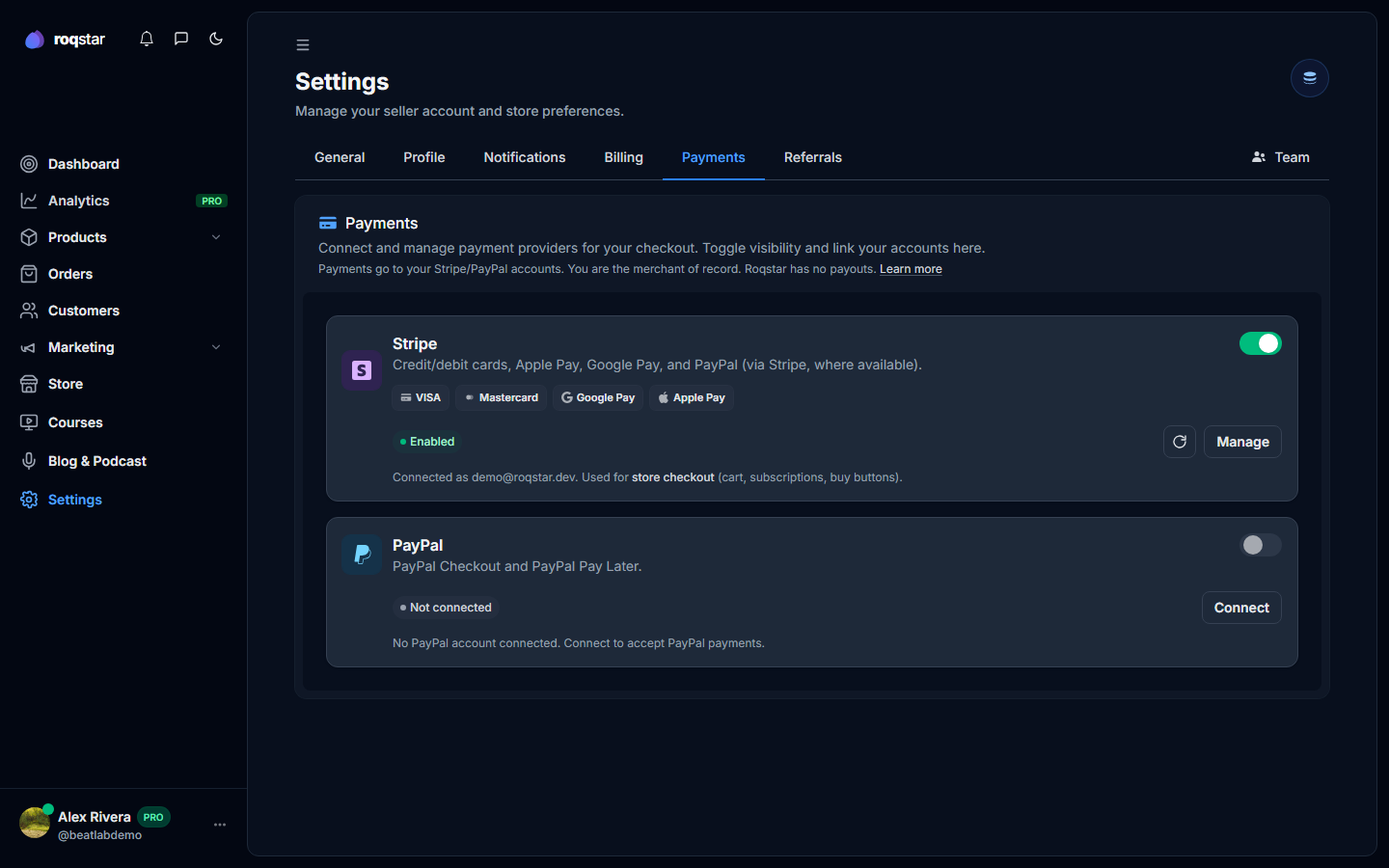
- Open Settings > Payments.
- On the Stripe card, click Manage (or Connect if you are not linked yet) and finish every outstanding Stripe requirement: identity, bank, tax.
- Return to Roqstar and click the refresh icon on the Stripe card.
- Confirm the status shows connected/enabled before testing a Stripe purchase.
Full walkthrough: How to add payment options.