Product wizard
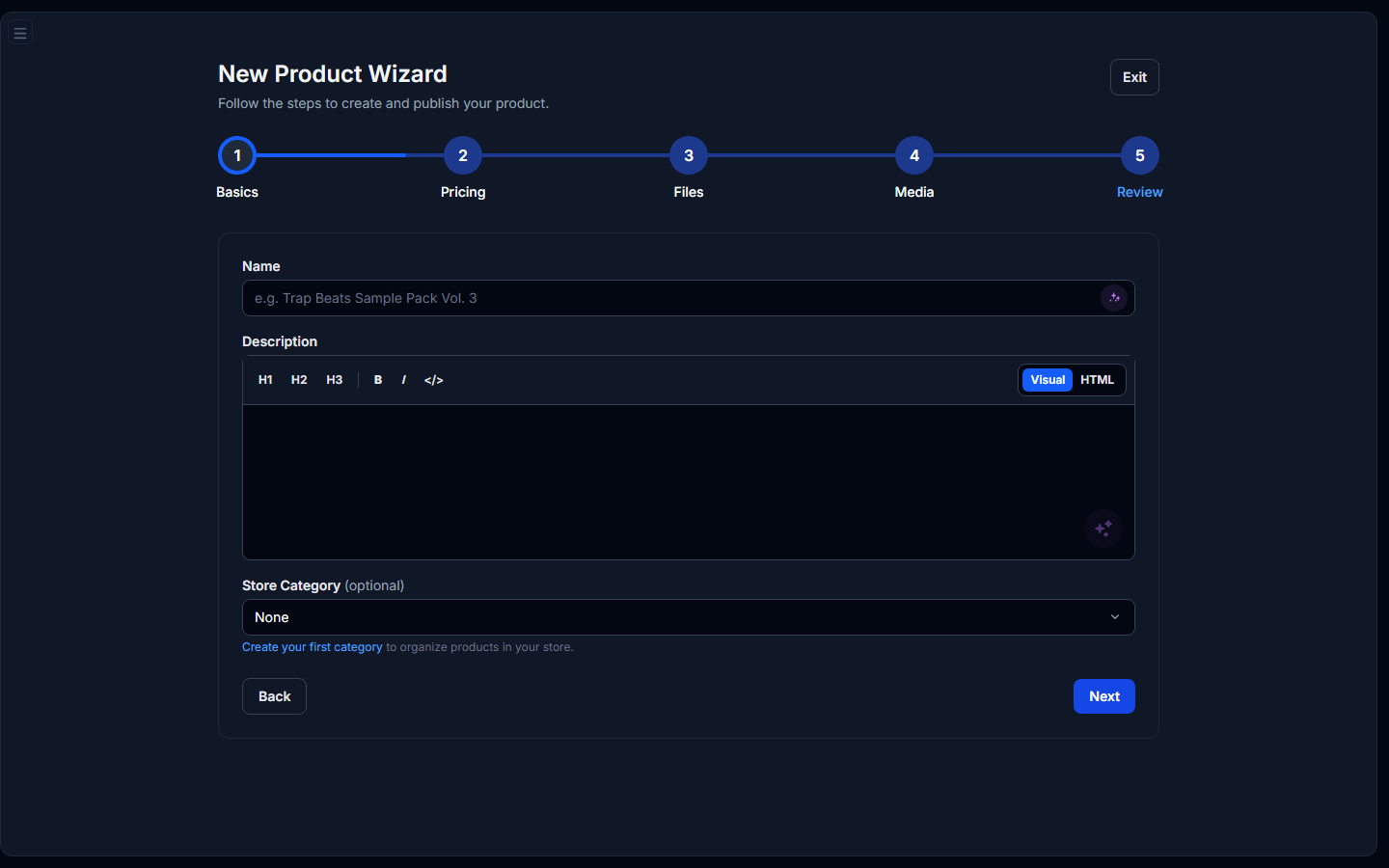
Create a product step by step: Basics > Pricing > Files > Media > Review.
The Product wizard is a full-page guided flow at Items > Product wizard. Use it when you want validation at every step before publishing.
Quick alternative: click Add Product on the Items list for a slide-over editor with the same fields in one panel.
Step 1: Basics
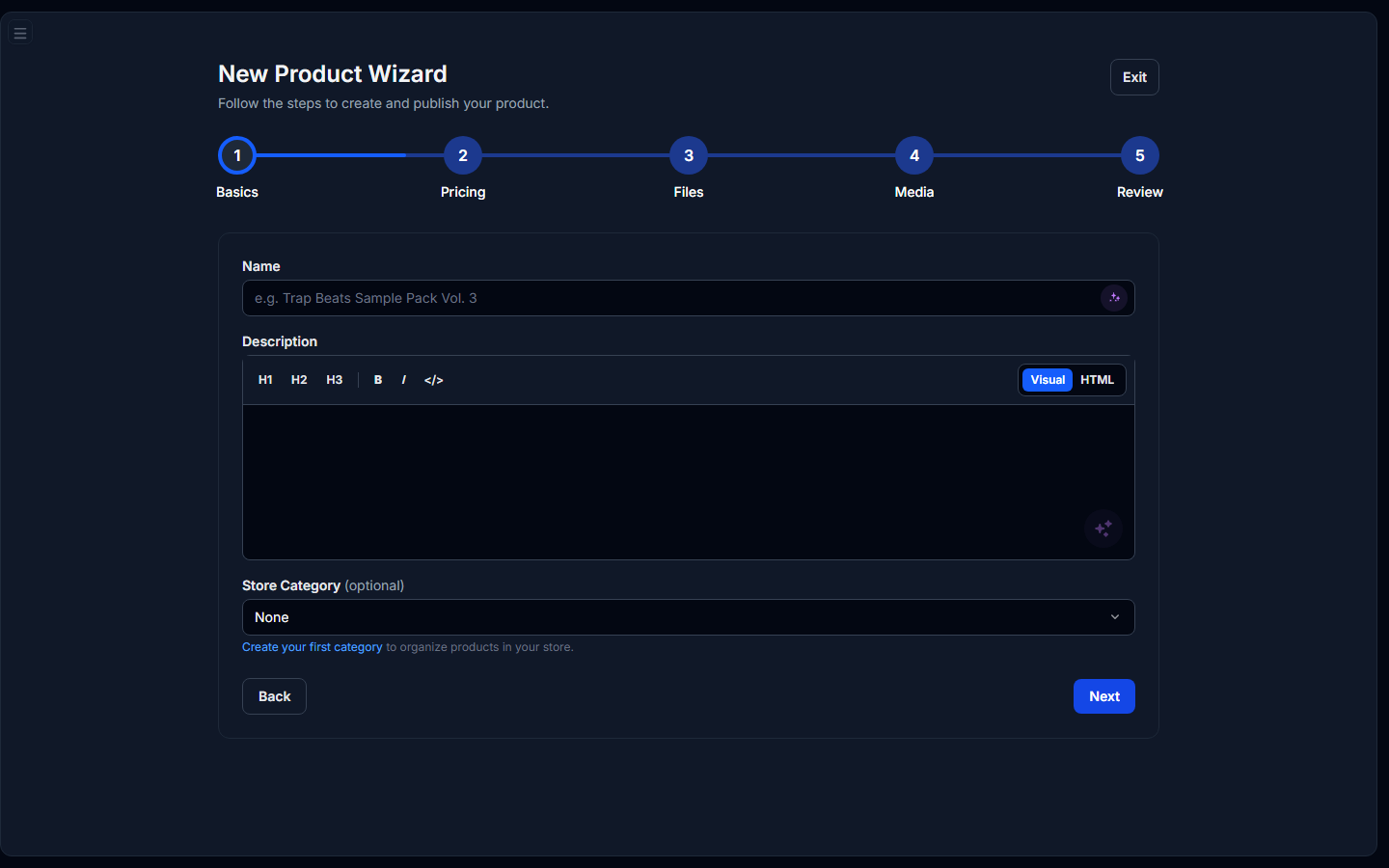
- Name: shown on your storefront and in order emails.
- Description: visual editor or HTML. Optional AI generate button drafts copy from your product name and category.
- Category & subcategory: standard product categories (sample packs, beats, presets, etc.).
- Store category: your own navigation grouping (managed under Store Categories).
Step 2: Pricing
- Pricing type: Single price, Pay what you want (min optional), or Lead magnet (free + email capture).
- Price & currency: USD, EUR, or GBP for fixed/PWYW types.
- Channels: Store (always available when published). Marketplace only when you meet the minimum store-sales threshold.
- Licenses: toggle license support and pick from presets or your custom licenses (My Licenses).
Step 3: Files
- Main deliverable: what the buyer downloads after purchase (ZIP, WAV, etc.).
- Stems (optional): ZIP of separated tracks.
- Add-ons (optional): extra ZIP/RAR/7z bundles.
- File size: the maximum file size is 5 GB per file. Uploading large files can seem to take a long time because many internet service providers give priority to downloads. Your plan also has a total storage allowance (see Settings > General).
- Per-license delivery: when licenses are enabled, assign each uploaded file to the tiers that should receive it. Buyers only download files linked to the license they purchased.
- Add-on tiers: optional add-ons can be limited to specific license tiers (or left open for all tiers).
Step 4: Media
- Images: cover art and gallery shots for the product page.
- Audio demos: preview tracks with automatic waveform rendering (MP3, WAV, OGG).
Step 5: Review
Confirm every section, then click Publish. The wizard autosaves a draft as you move between steps if you leave mid-flow, return to the Product wizard to resume.
Drafts & status
- Draft: saved but not visible to buyers.
- Published: live on your store.
- Pending: awaiting review before the listing goes live.