Billing
Your Roqstar subscription: current plan, usage, upgrade, invoices, and cancellation.
Manage your Roqstar subscription on the Billing tab in Settings.
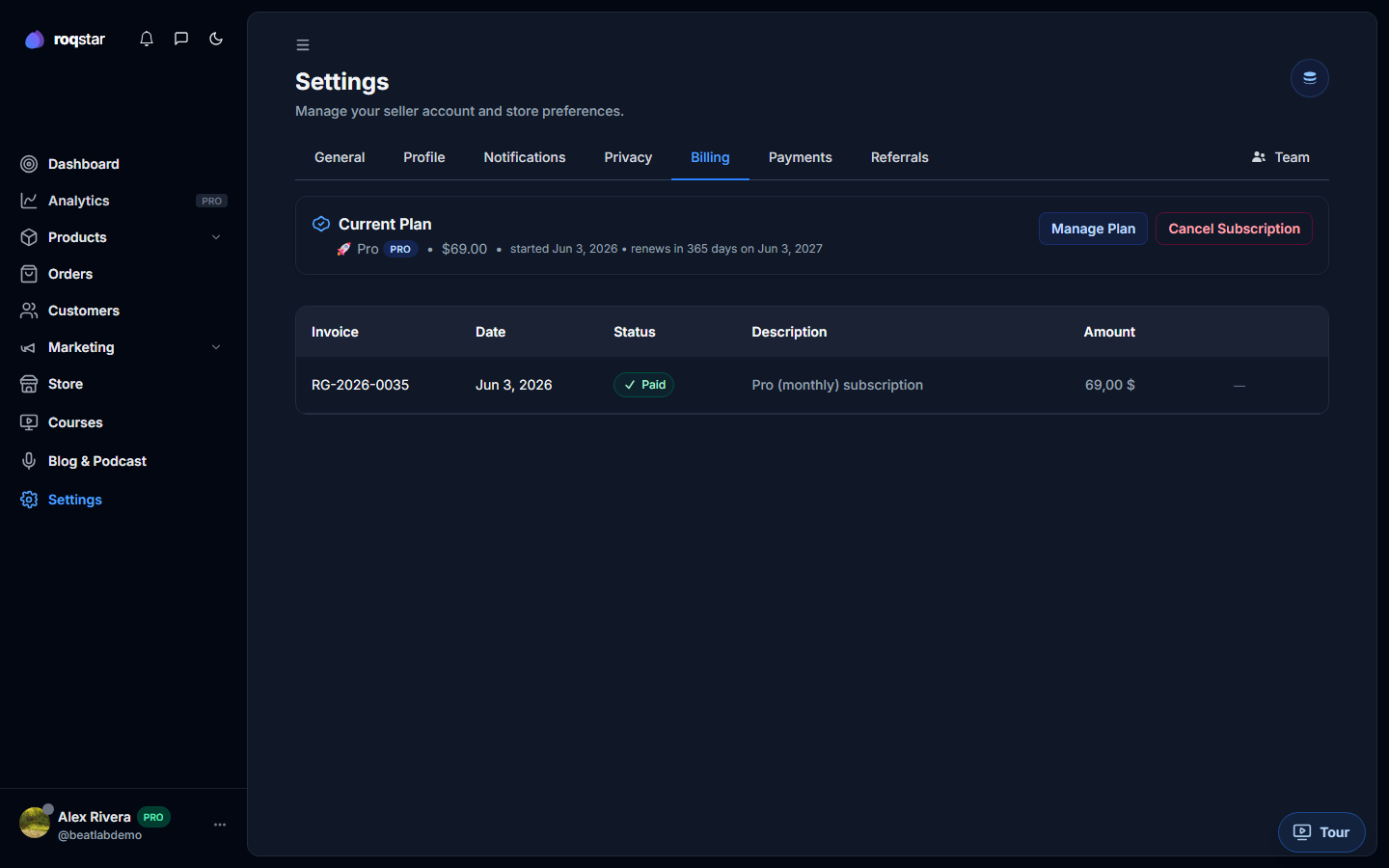
Current plan card
Shows your active tier, billing interval (monthly/annual), renewal date, and usage meters (products, storage, team seats, email credits).
Changing your plan
- Pick a new tier in the pricing matrix.
- You are redirected to Stripe Checkout to confirm payment.
- On return (
?upgrade=success), the dashboard refreshes badges and feature gates.
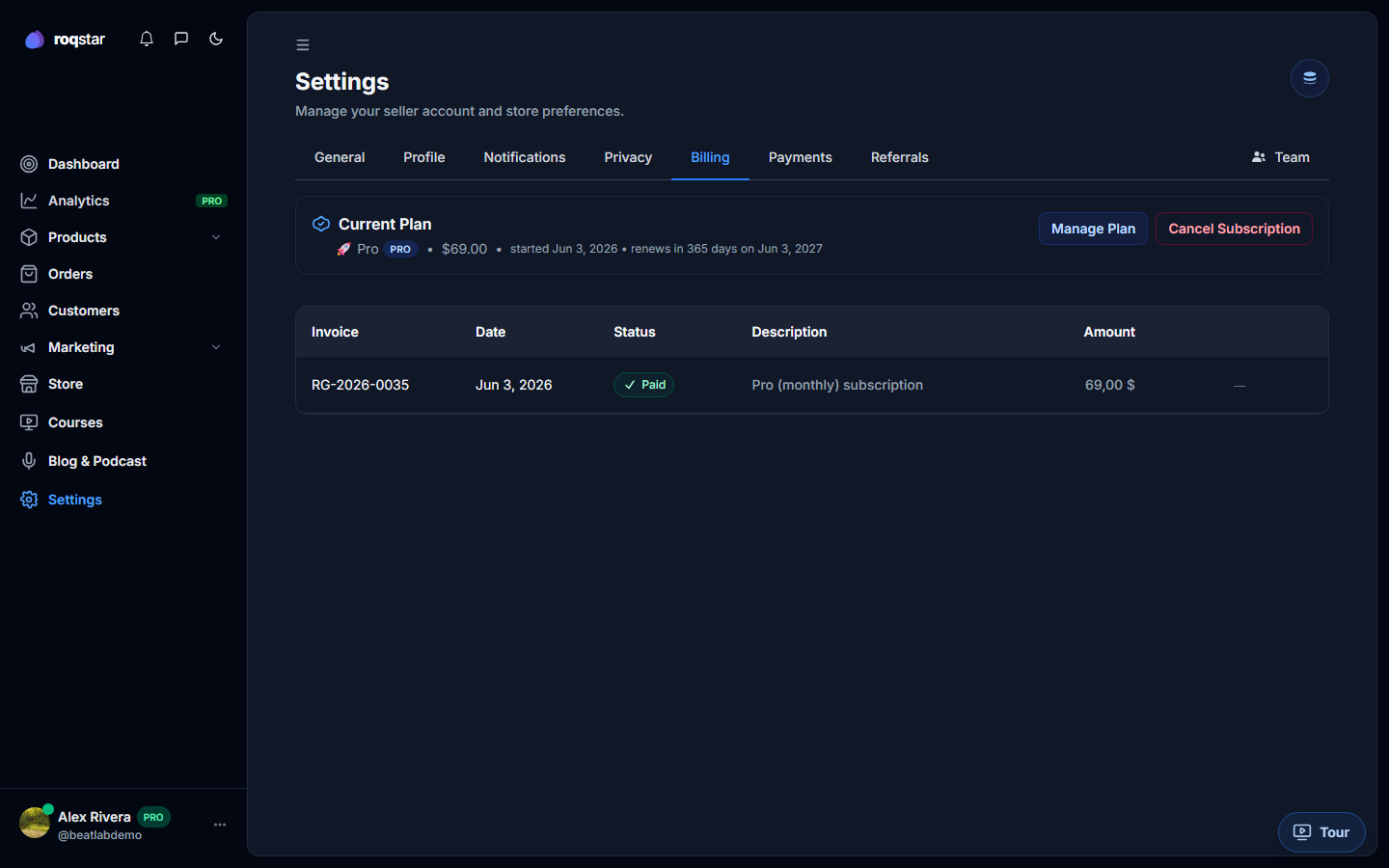
Invoices
Past Roqstar subscription invoices appear in a table below the plan card. Download PDFs for your records.
Cancel & reactivate
Canceling keeps your plan active until the end of the billed period, then moves you to plan-expired (publishing and checkout pause). Reactivate any time from this tab.
Related
- Subscription Plans
- What happens when I downgrade? (article coming)