Settings
Store status, branding, SEO, custom domain, password protection, and support email.
Under Store > Settings you control whether your storefront is public and how it appears to buyers.
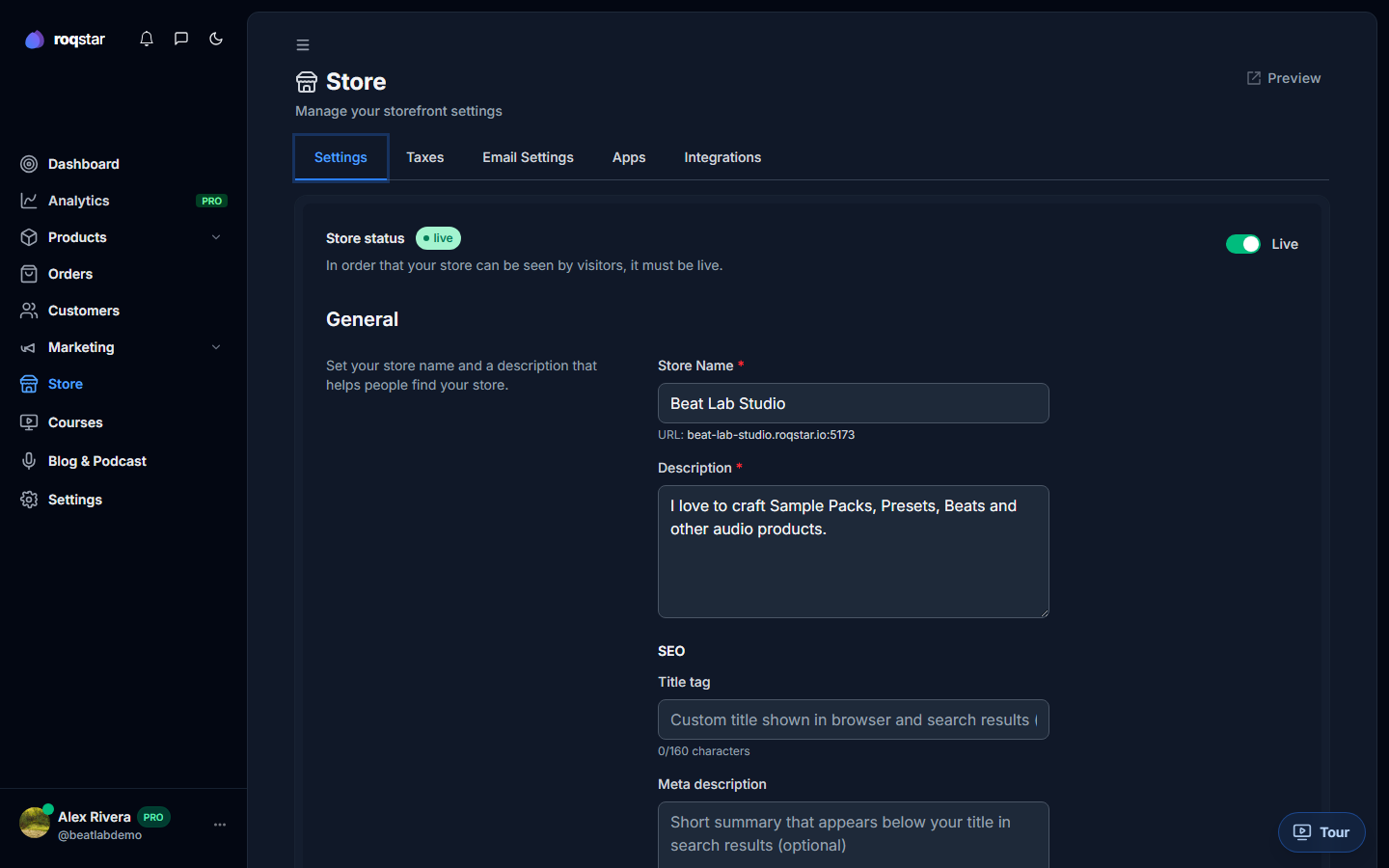
Store status
Toggle Live or Offline. Offline hides your storefront from buyers while you prepare. Going Live requires a store slug, connected payments, and an active subscription.
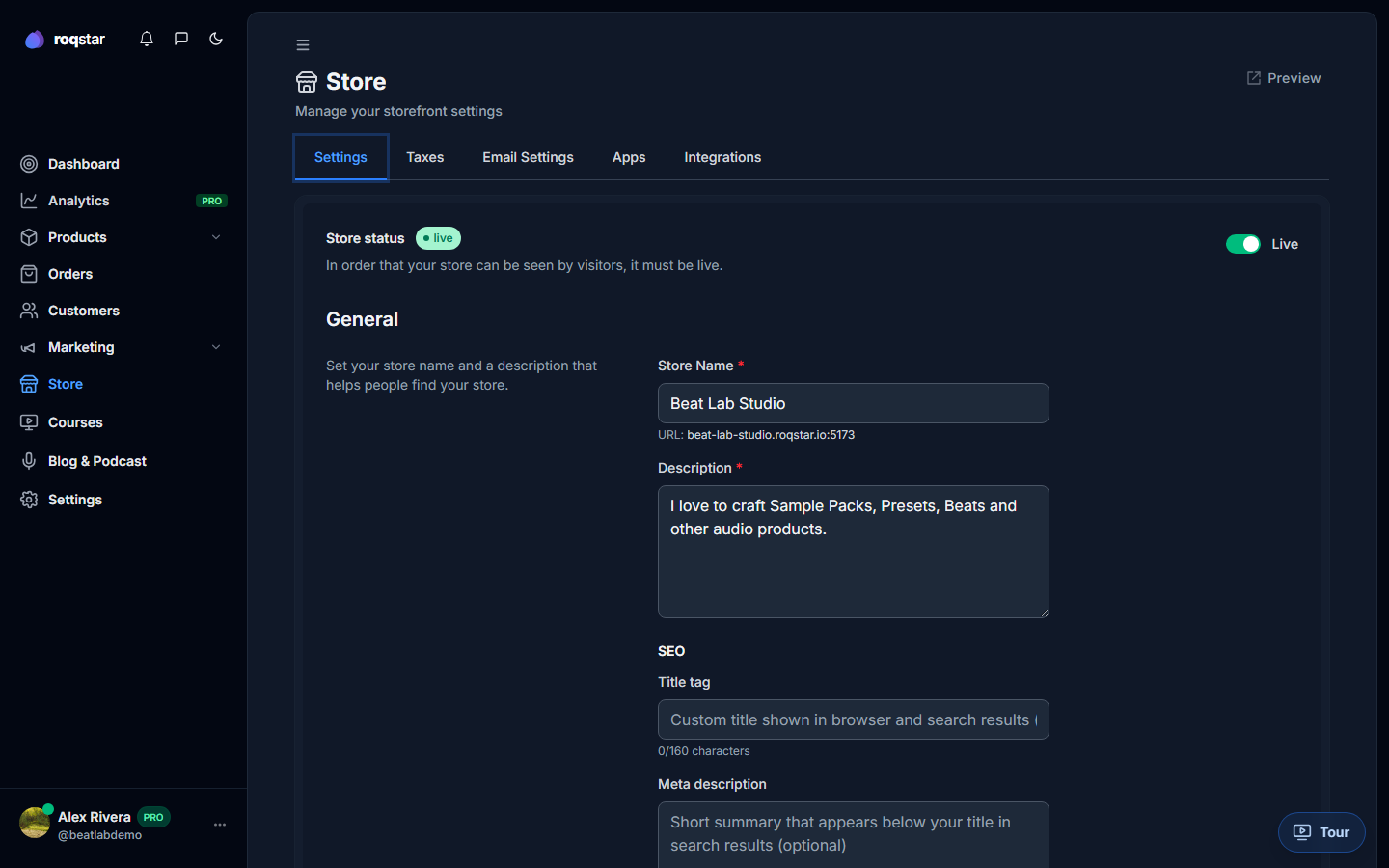
General
- Store name: headline on your storefront.
- Description: short bio shown on your store home.
- SEO title: up to 160 characters for search engines.
- Meta description: up to 500 characters for search snippets.
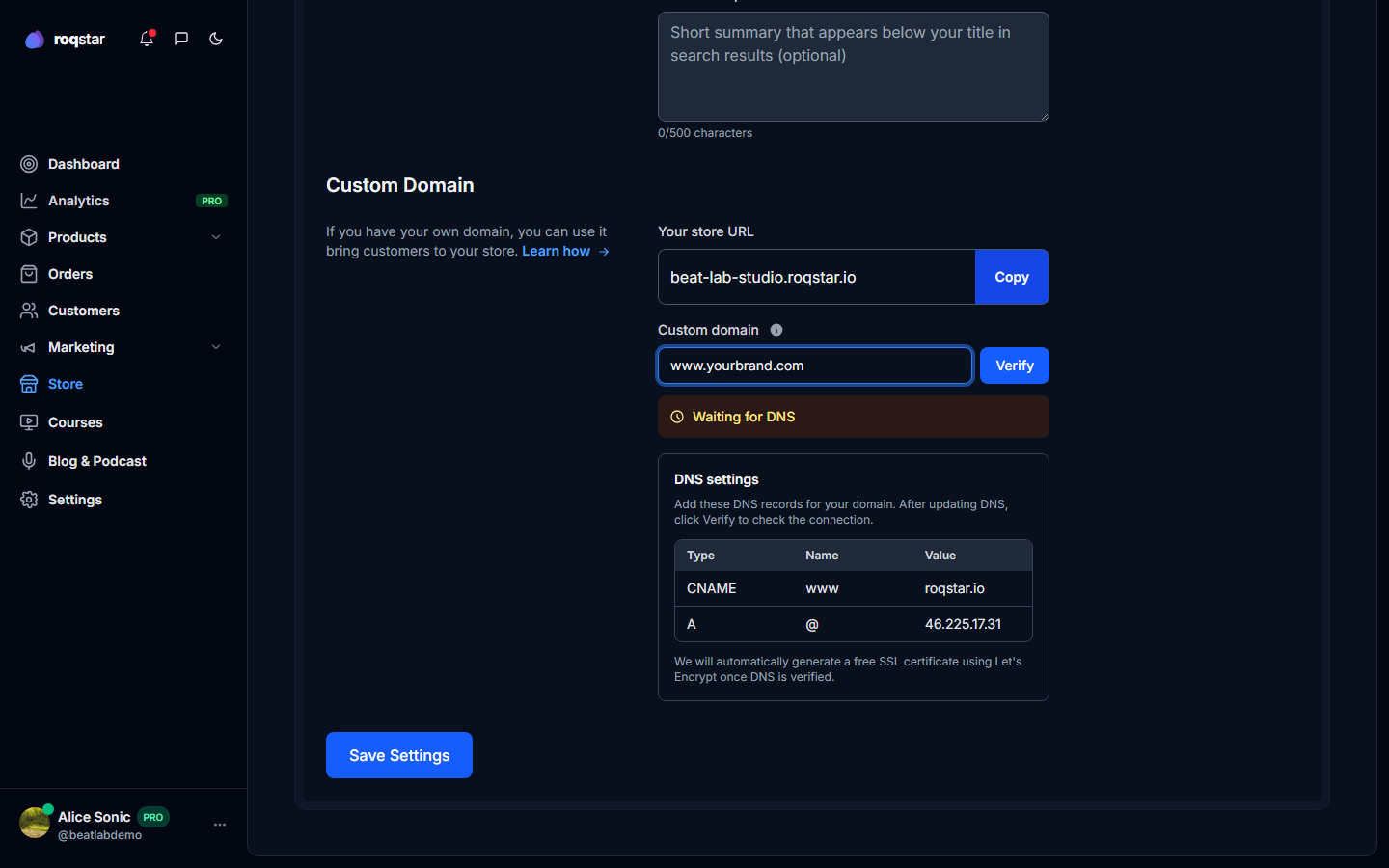
Custom domain
Available on Pro and above. Enter your domain, add the DNS records shown, and wait for verification. See Custom domain and DNS.
Password protection
Gate the entire store behind a password useful for pre-launch previews or private catalogs. Set session duration and a custom message buyers see on the gate page.
Support email
Override the default contact address shown on checkout success and order emails. Buyers reach you here for post-purchase questions.