General
Account details, password, two-factor authentication, billing address, and storage usage.
Your seller account identity and security live on the General tab in Settings.
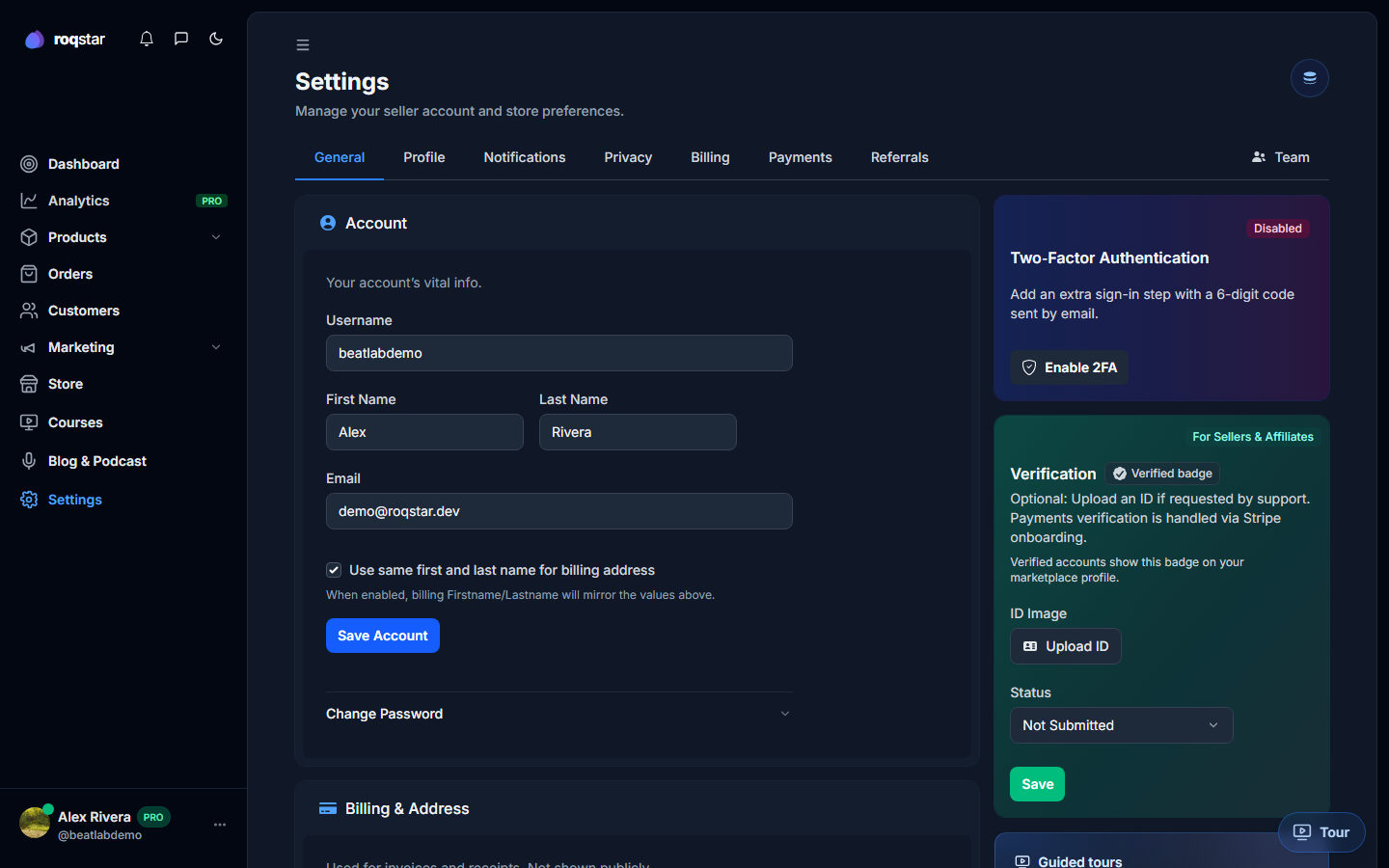
Account form
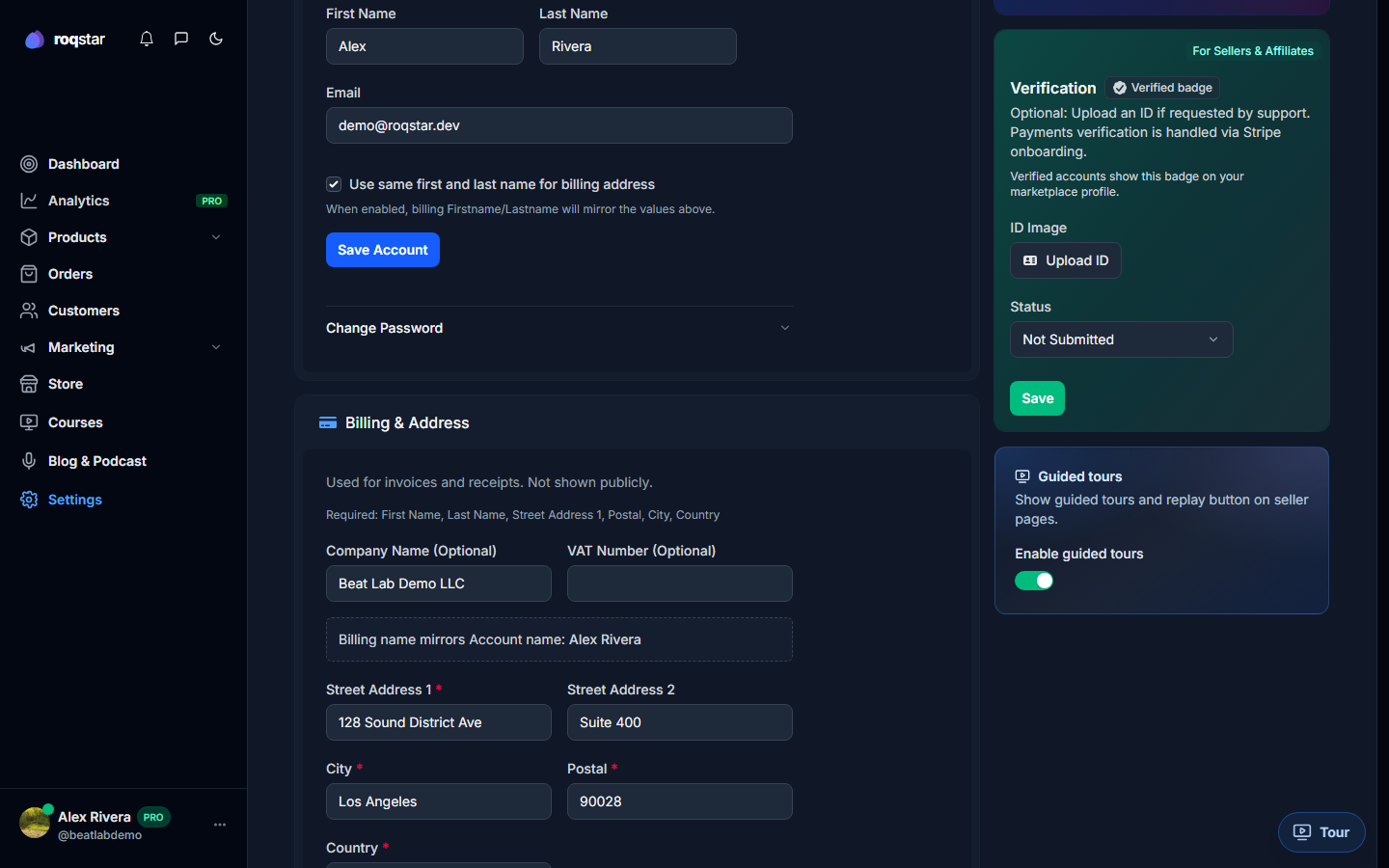
- Username: your public handle (
@username). - First / last name: used in emails and invoices.
- Email: login address and notification destination.
- VAT number (optional): shown on invoices when set.
- Billing address: used for your Roqstar subscription invoices.
Password
Change your password inline. Requirements: min 8 characters, one uppercase, one number, one special character.
Two-factor email verification
When enabled in Settings > General, every login sends a 6-digit code to your inbox. Set up from the security card; dismiss the nudge banner once configured.
Storage usage
A ring chart shows how much of your plan storage is used by product files and media. When you approach the limit, uploads are blocked until you delete files or upgrade.
Separately, each individual file is capped at 5 GB. Large uploads can take a while because many ISPs prioritize downloads over uploads.
ID verification
Some platforms require identity verification before payouts. Complete any outstanding steps shown in this section.