Preview
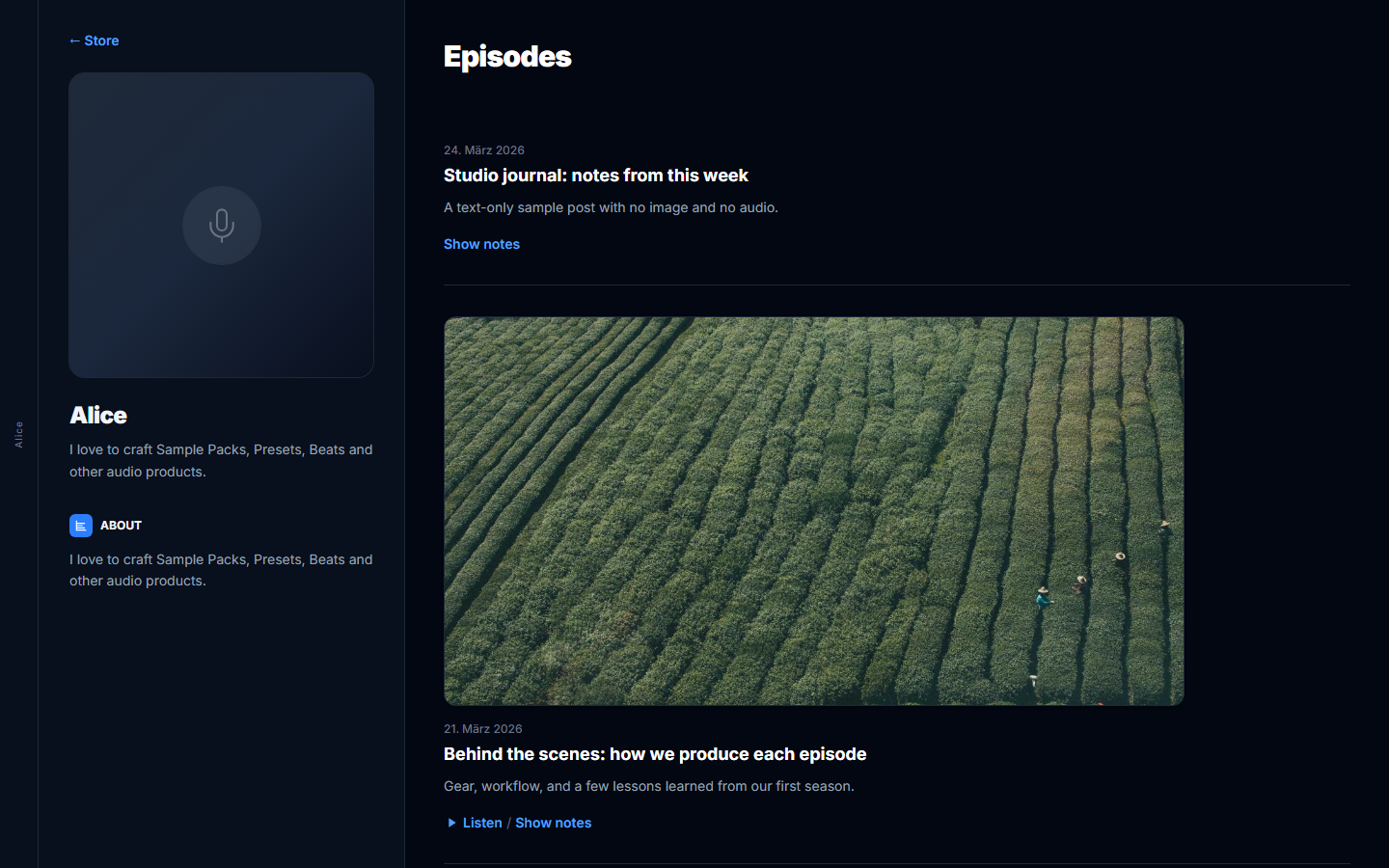
What buyers see: store home, checkout, and blog - after you publish from the editor.
Use Preview (or open your public store URL) to check the buyer experience after you publish from the visual editor.
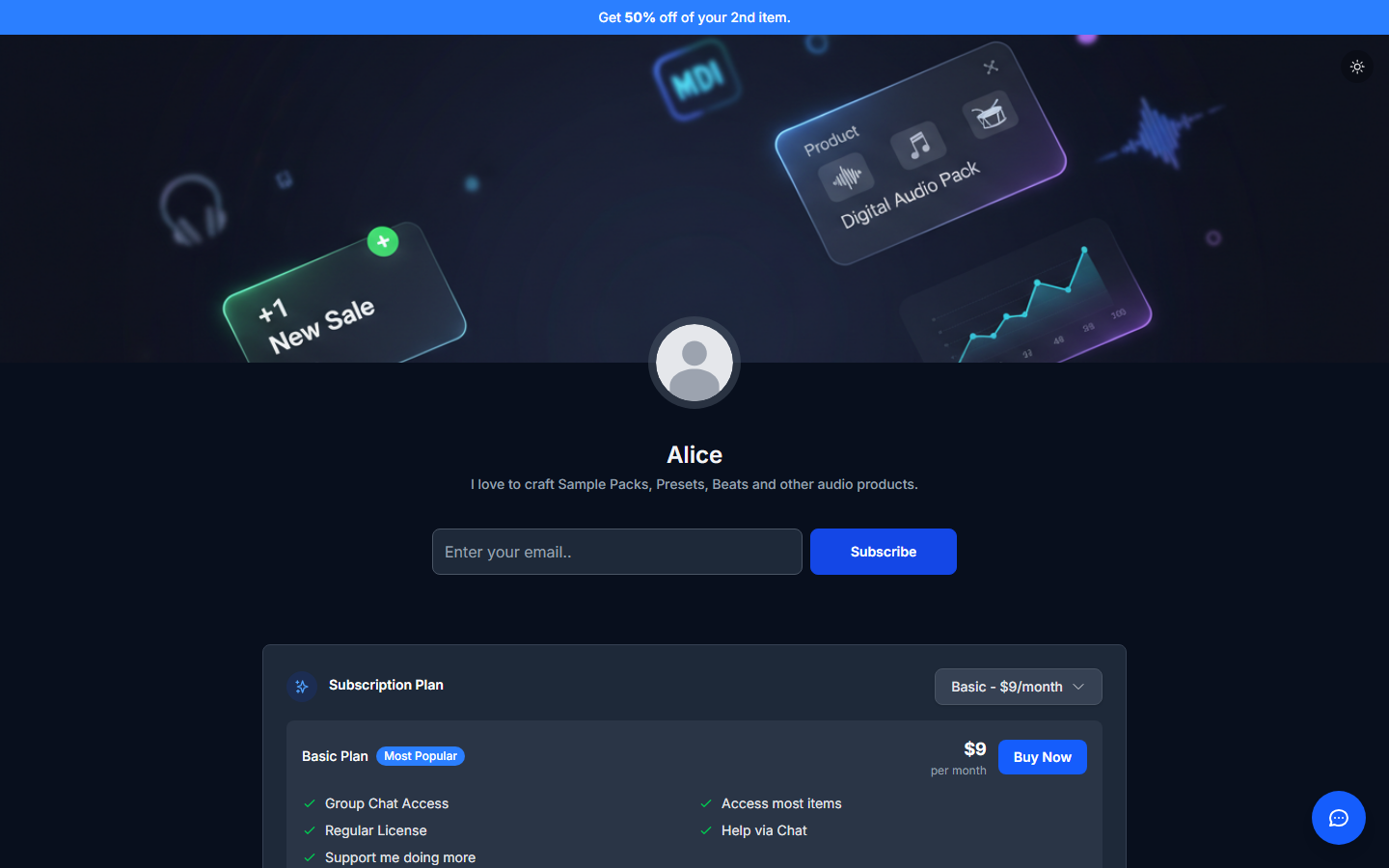
Store home
Confirm header, bio, product grid, subscription blocks, and installed apps (chat, FAQ, and so on). Fix layout in the visual editor; fix Live/Offline and SEO under Store > Settings.
Checkout
Open a product and continue to checkout to verify payment fields and order summary.
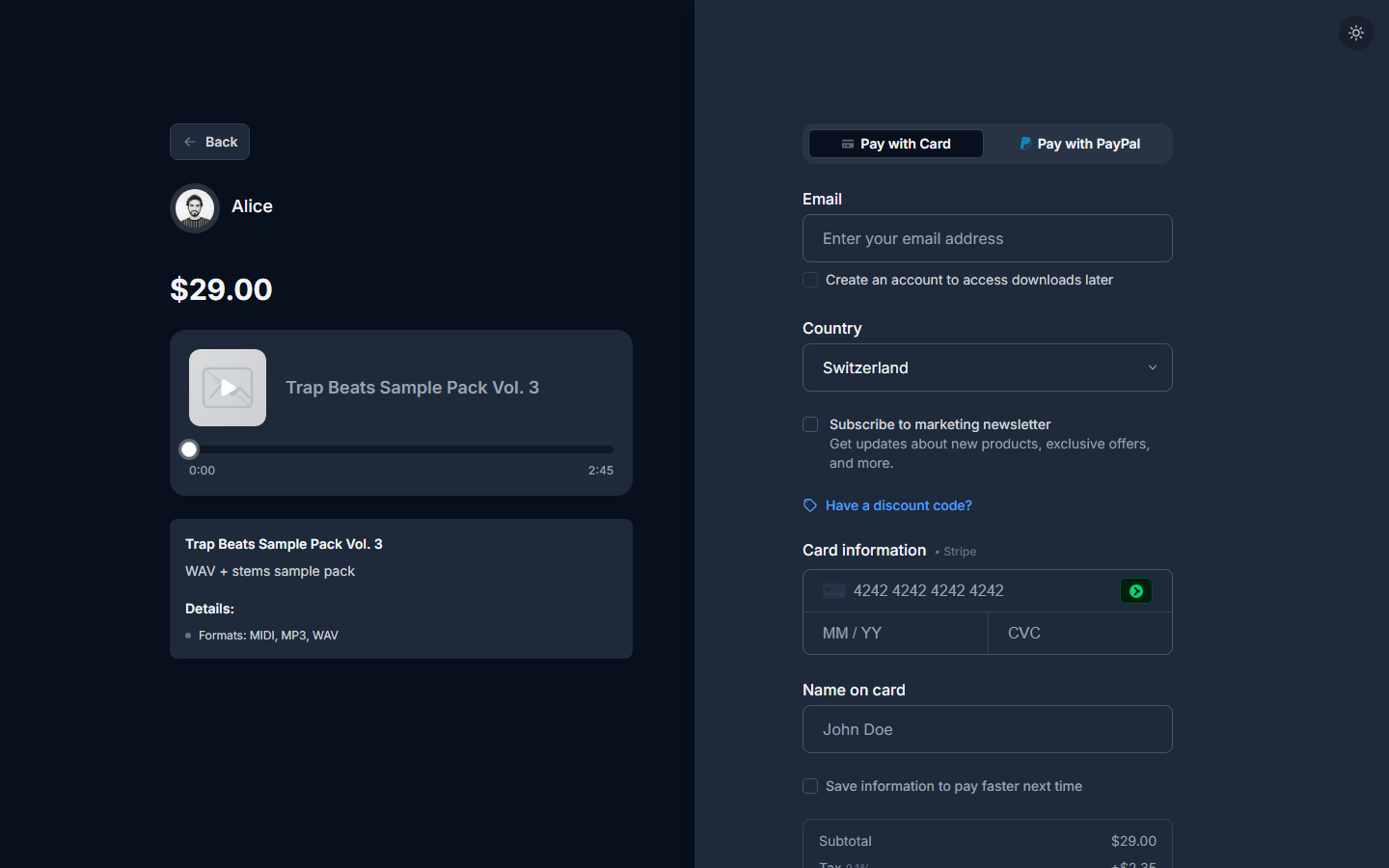
Full walkthrough: Checkout.
Blog & Podcast
When Blog & Podcast is enabled, buyers open the episodes or posts list from your storefront. Preview it so titles and covers look right.