Apps
Install storefront apps: Live Chat, Reviews, Testimonials, FAQ, Goal Tracker, and more.
Under Store > Apps you turn buyer-facing features on or off for your storefront.
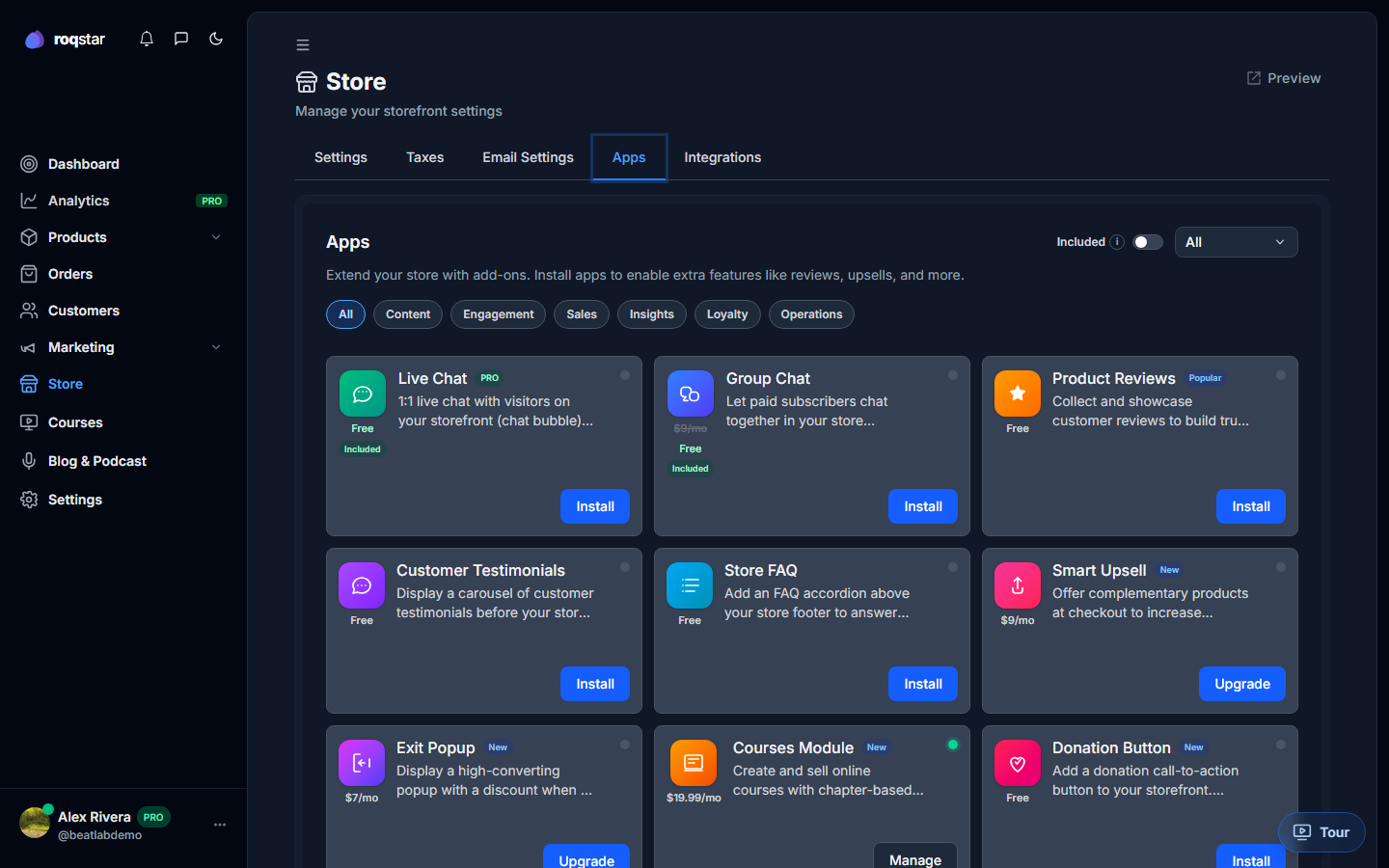
Available apps
| App | What it does | Plan |
|---|---|---|
| Live Chat | Real-time messaging with buyers on your store. | Every paid plan |
| Reviews | Collect and display product reviews. | All plans |
| Customer Testimonials | Curate buyer quotes on your storefront. | Pro and above |
| FAQ | Buyer-facing FAQ page on your store. | Pro and above |
| Goal Tracker | Enables the Goals page in your seller dashboard. | Module install |
| Courses | Sell structured video courses. | Module install |
| Blog & Podcast | Content marketing on your store. | Module install |
Installing an app
- Find the app card and click Install or toggle it on.
- Some apps open a short configuration panel (e.g. chat welcome message).
- Save changes apply to your live storefront immediately.
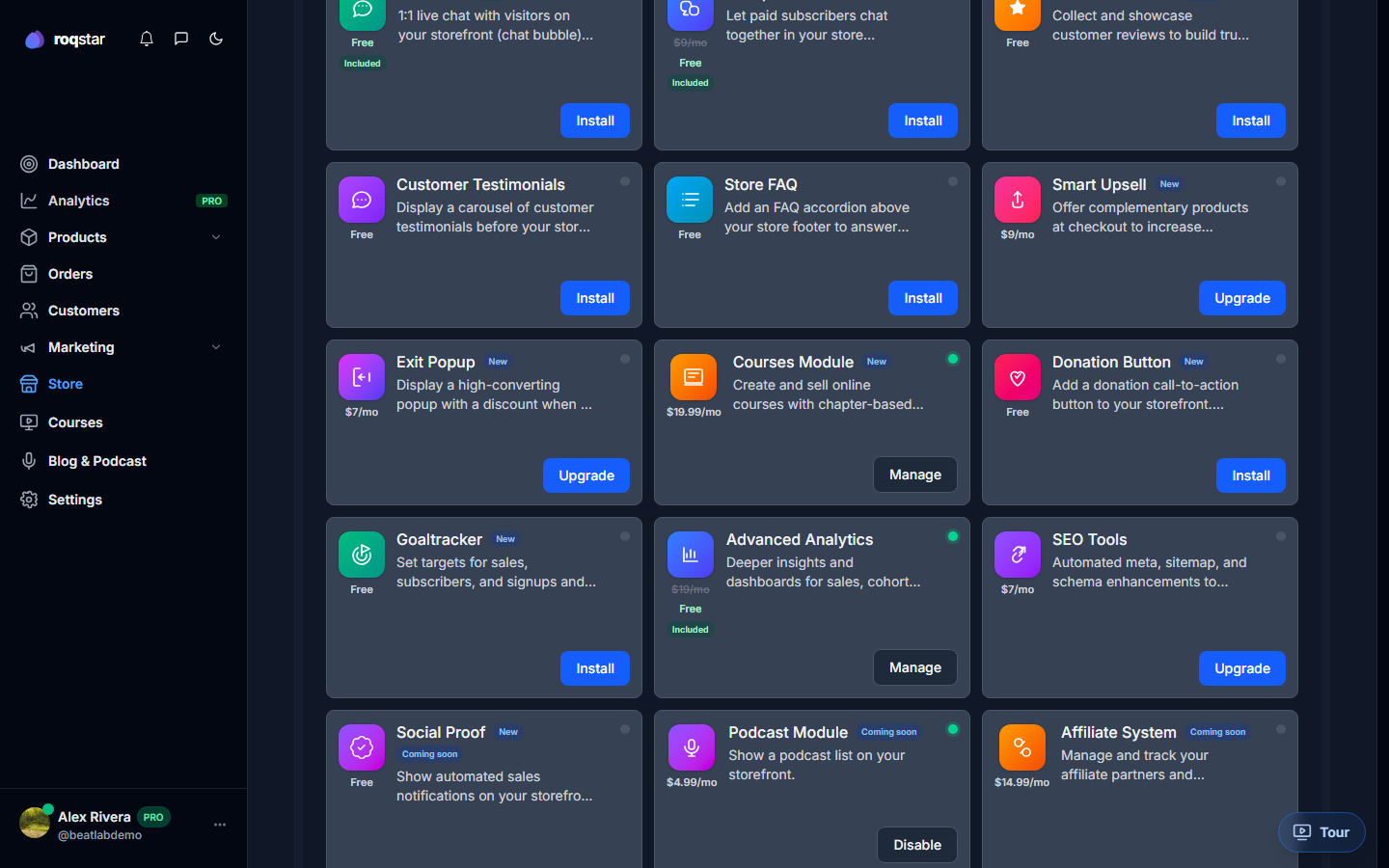
Plan note. Apps marked Pro and above stay locked until you upgrade. Live Chat is included on every paid plan (message limits vary). See Subscription Plans.